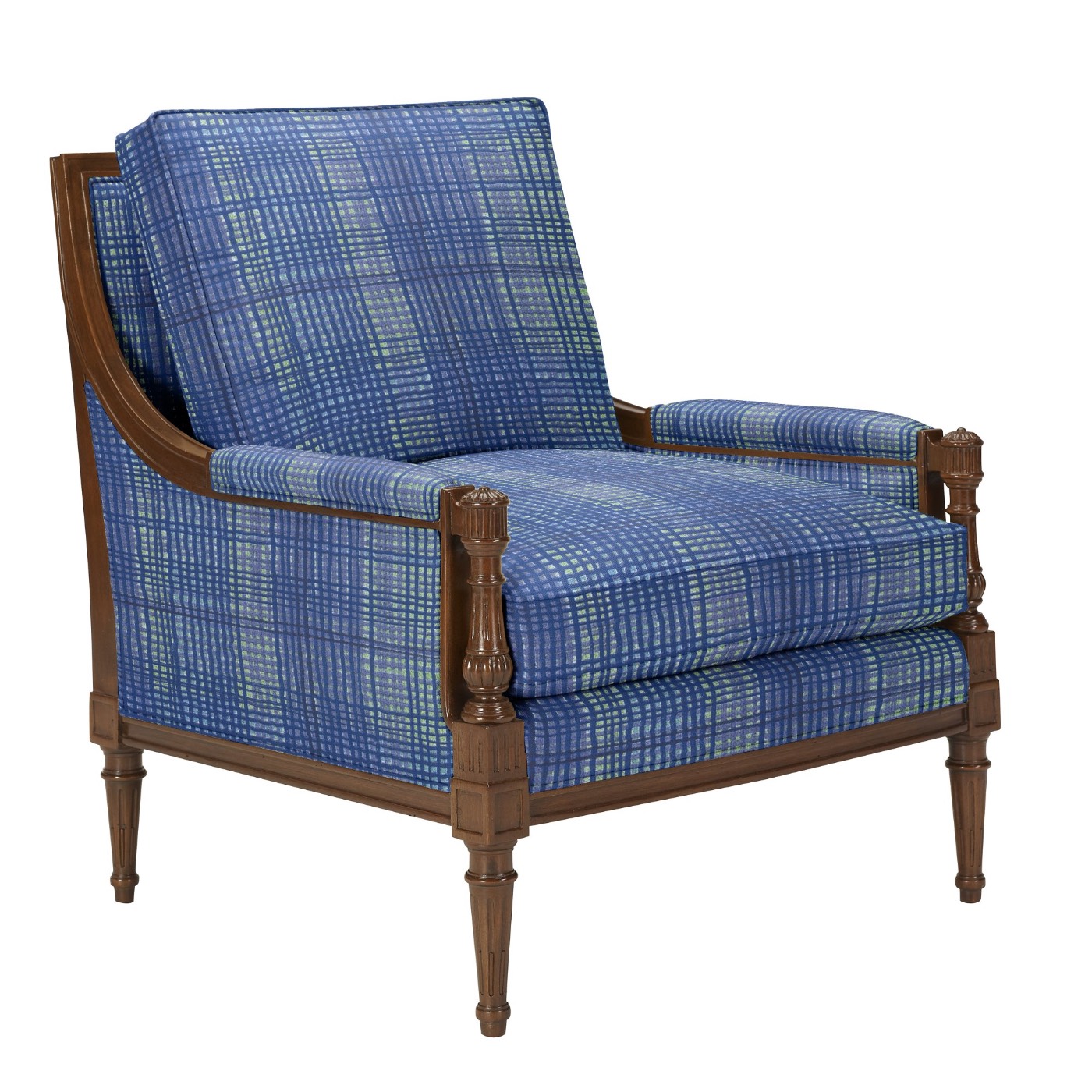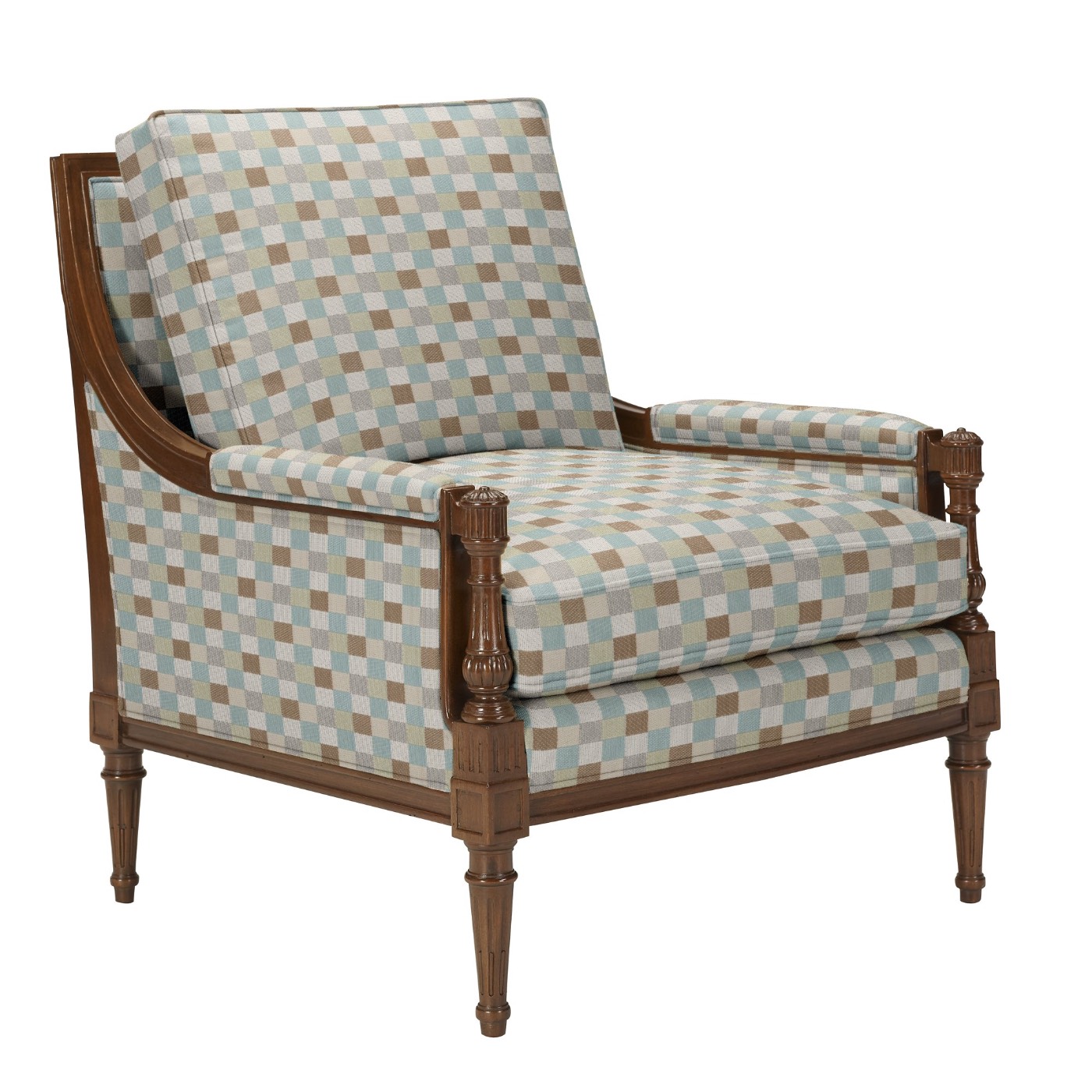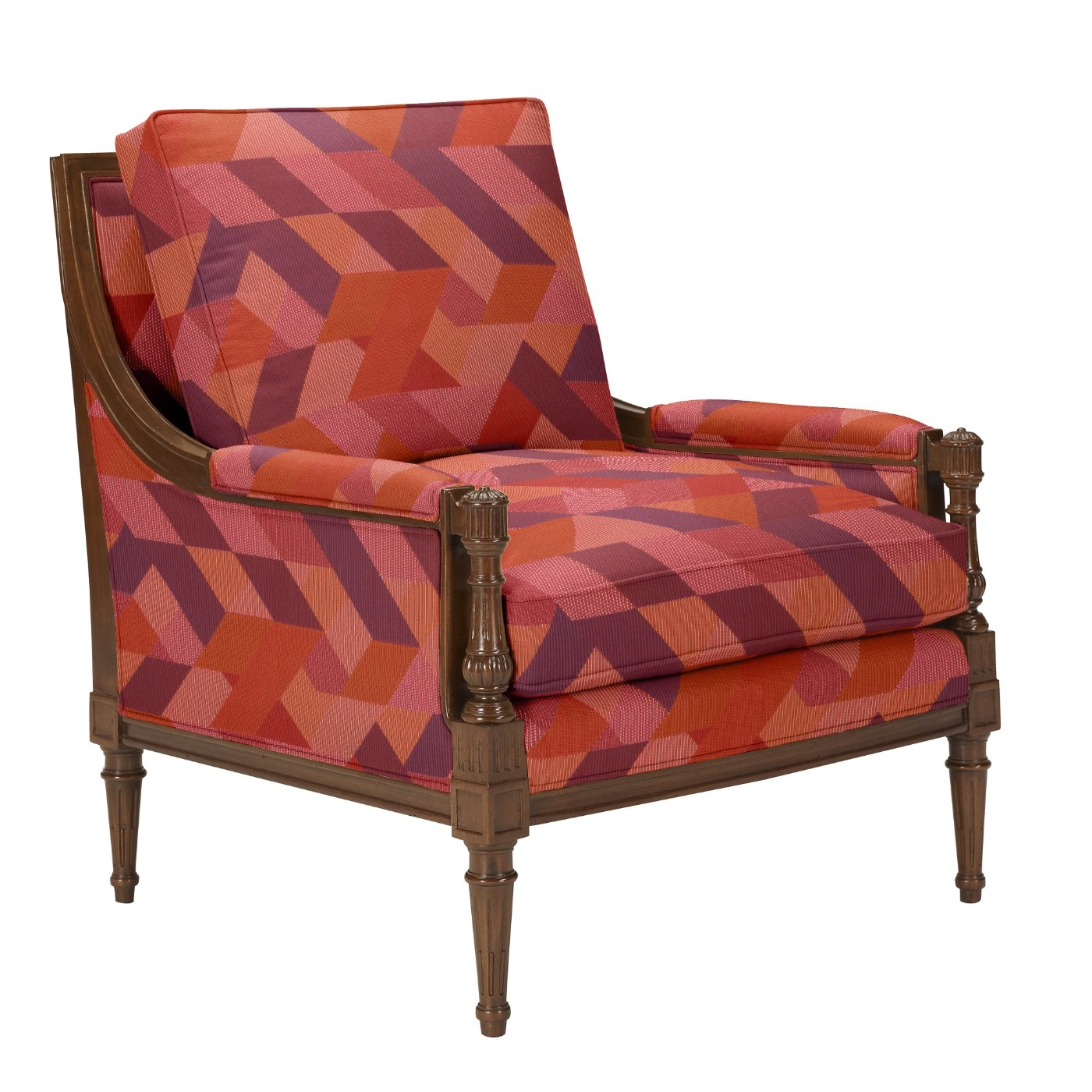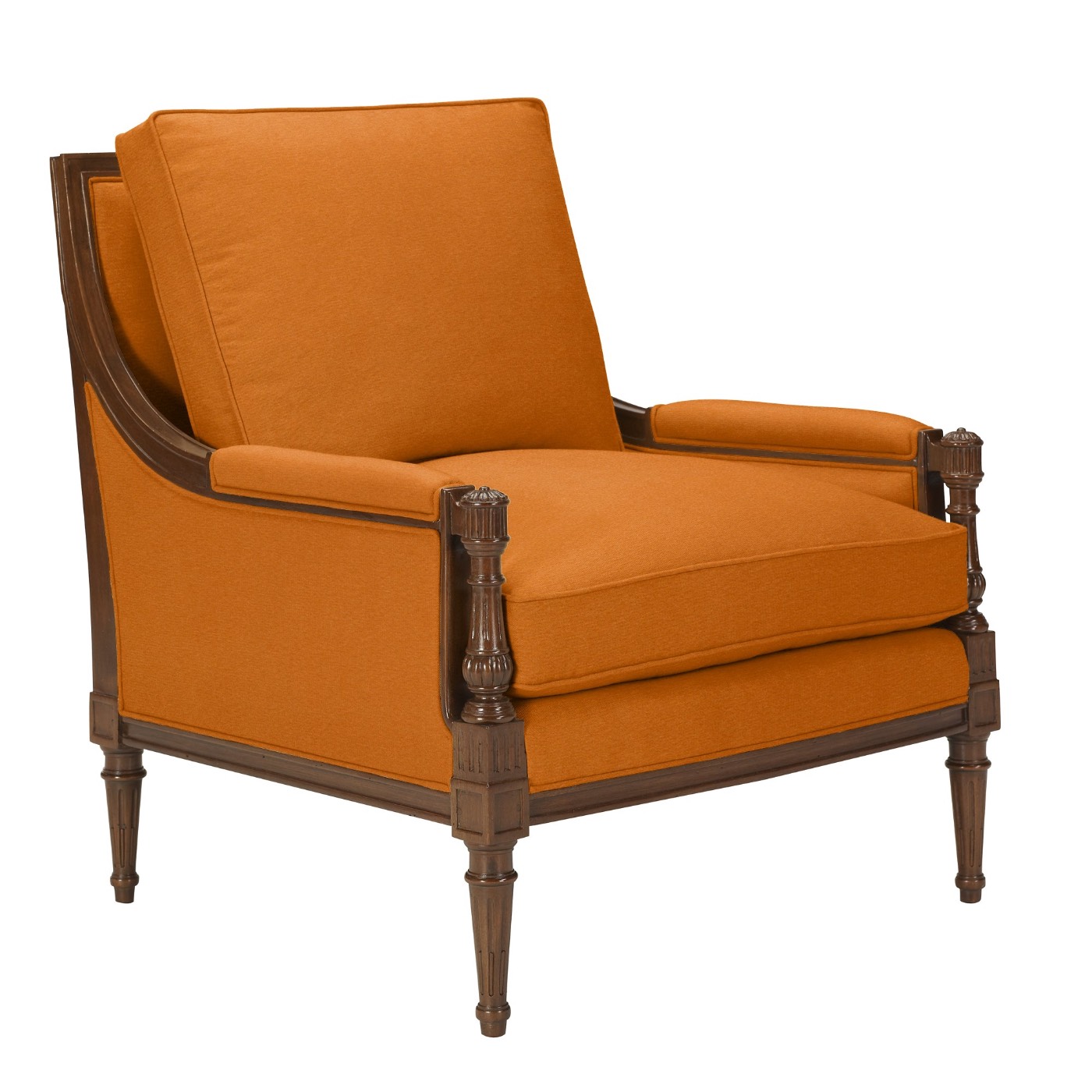
Since 2001 Try it — change the fabric →

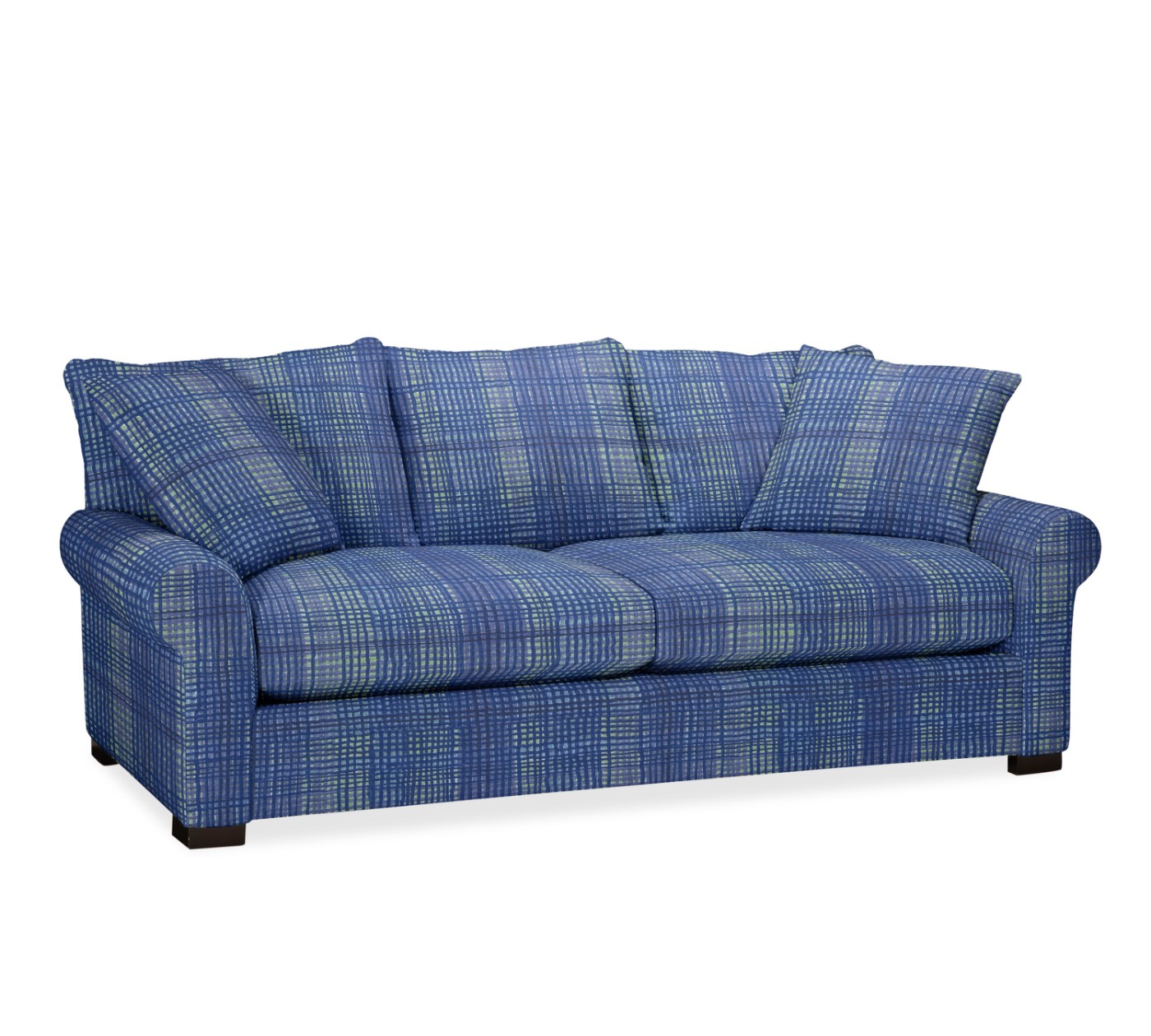
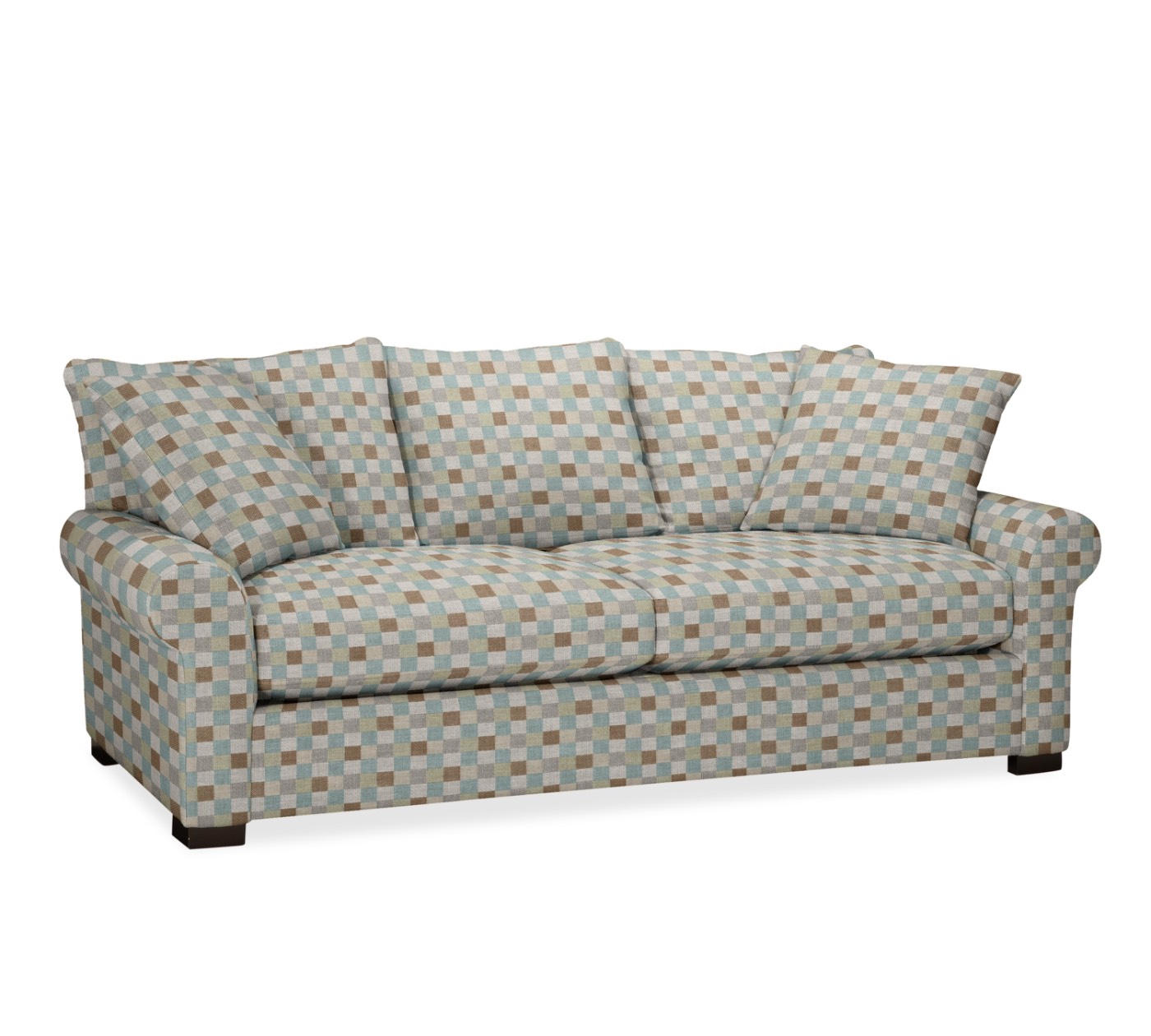
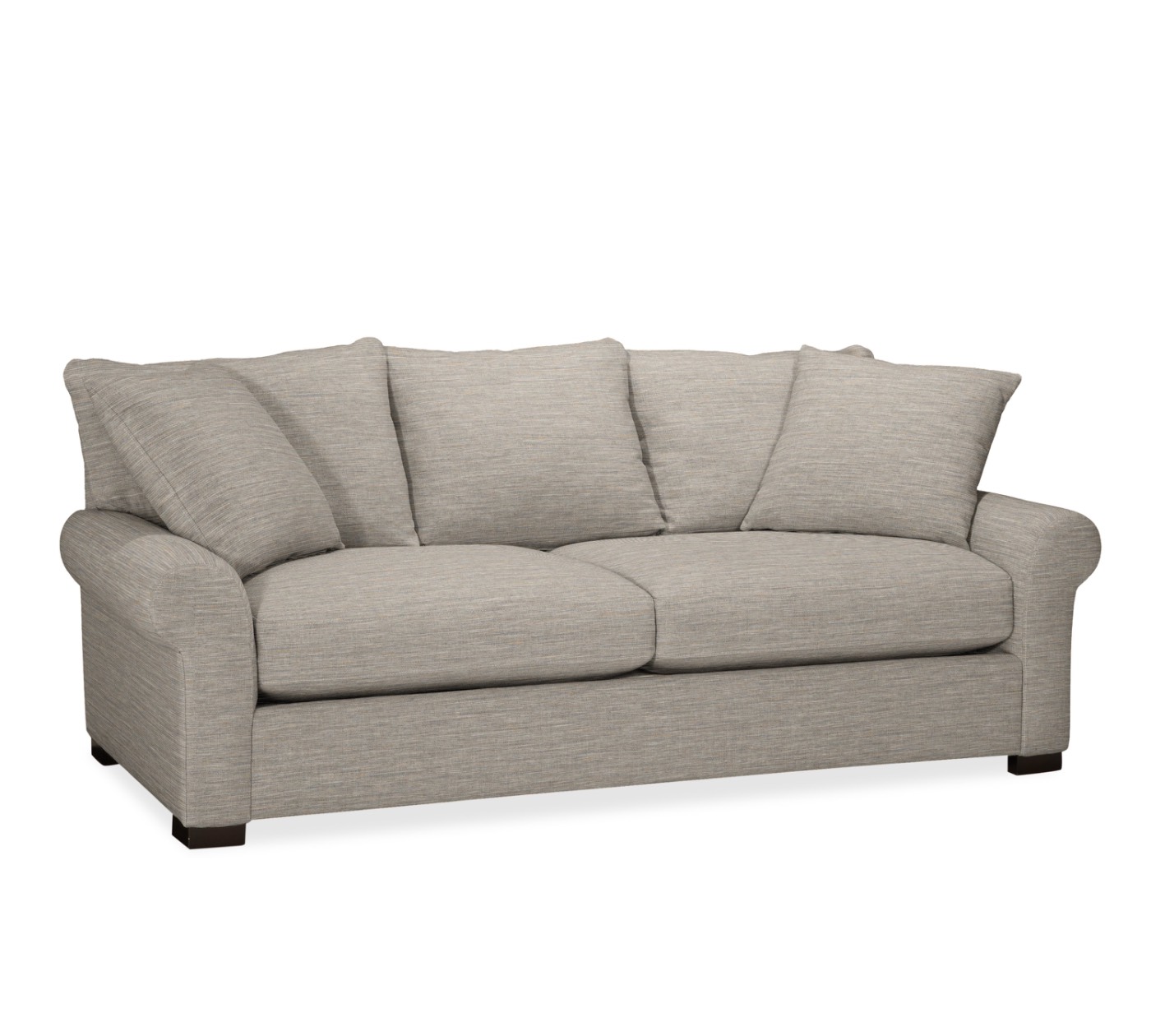
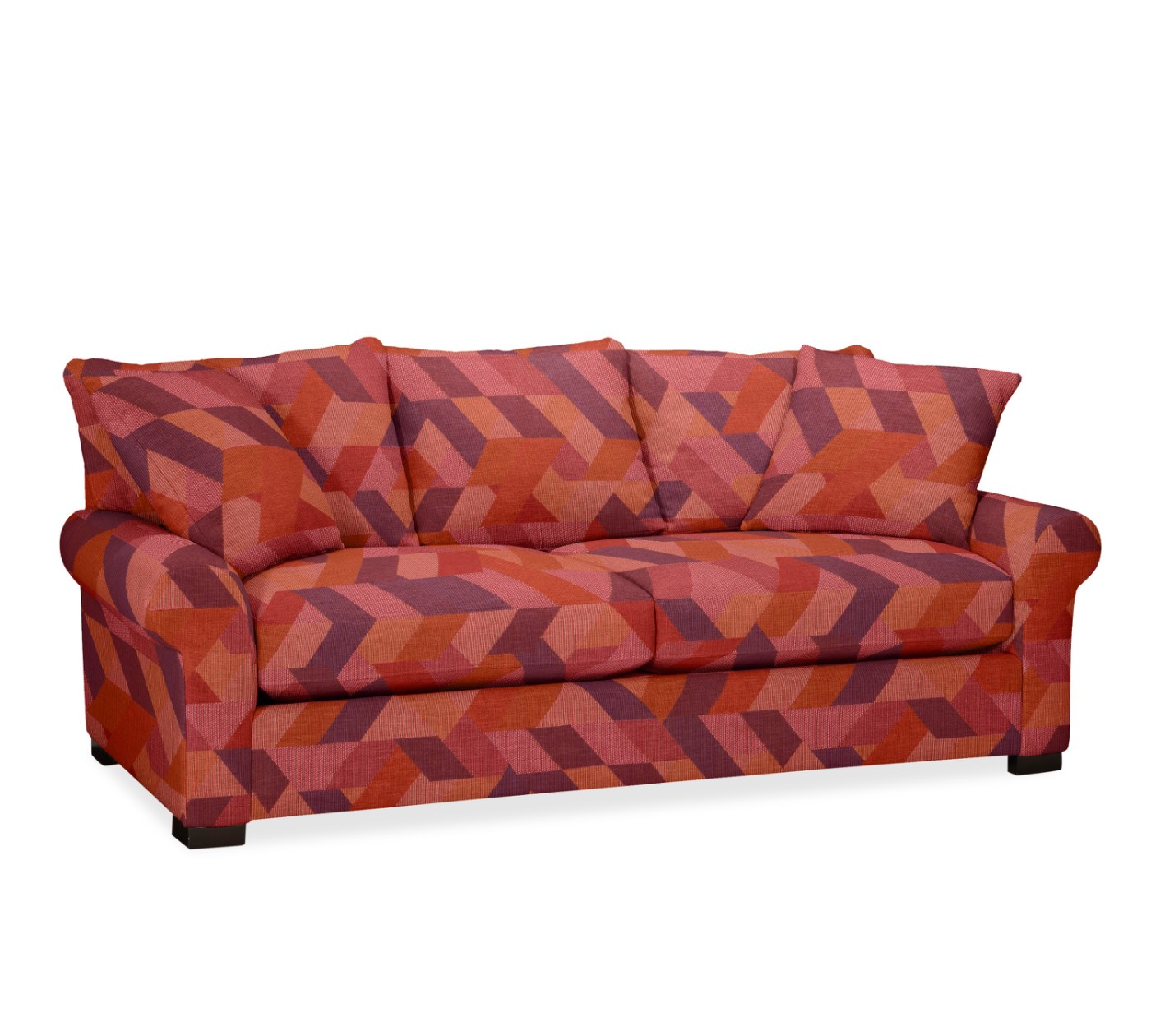
The fabric can change. The frame cannot.

Furniture and product imagery that stays accurate — photographed, built in 3D, or generated with AI. One person across the whole pipeline.
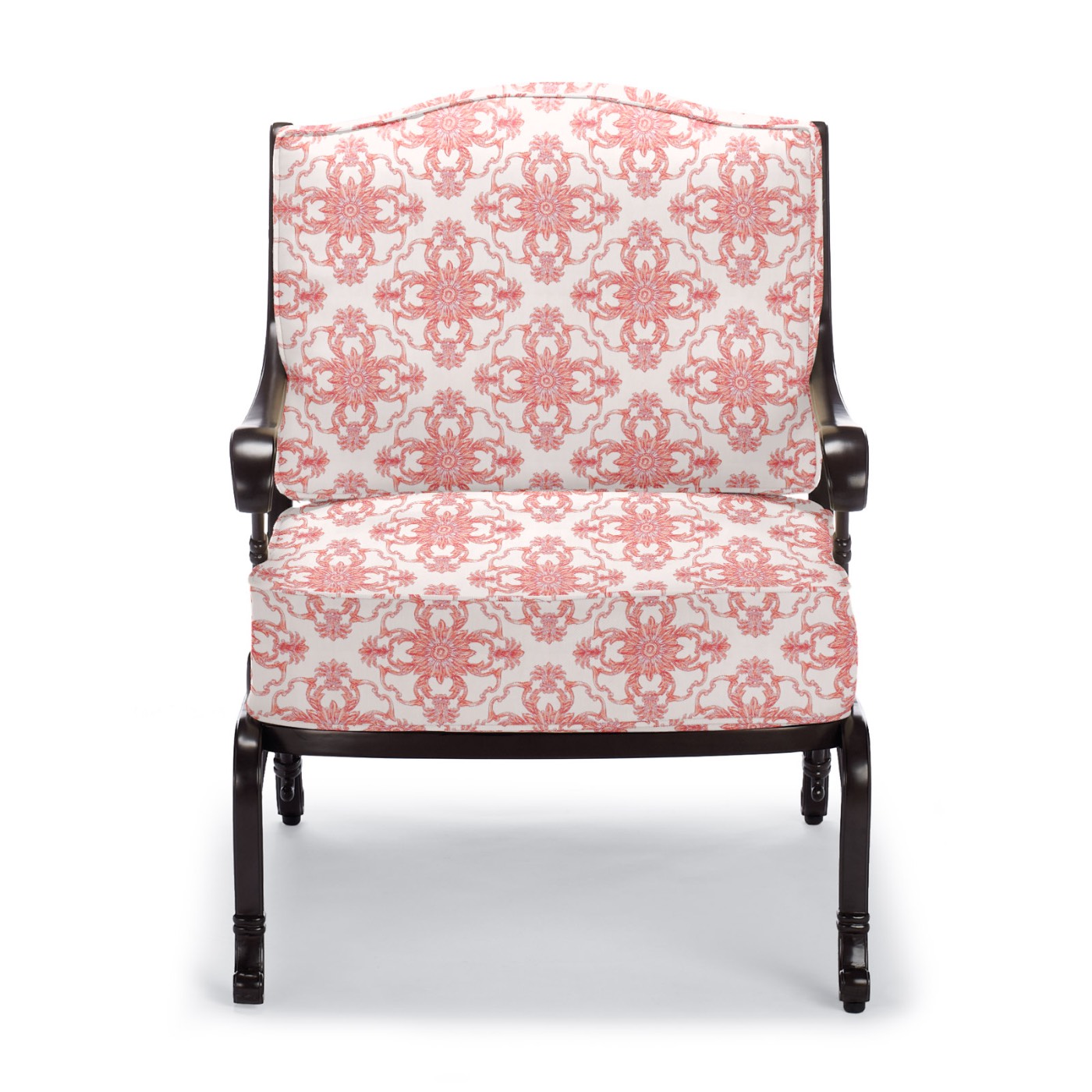
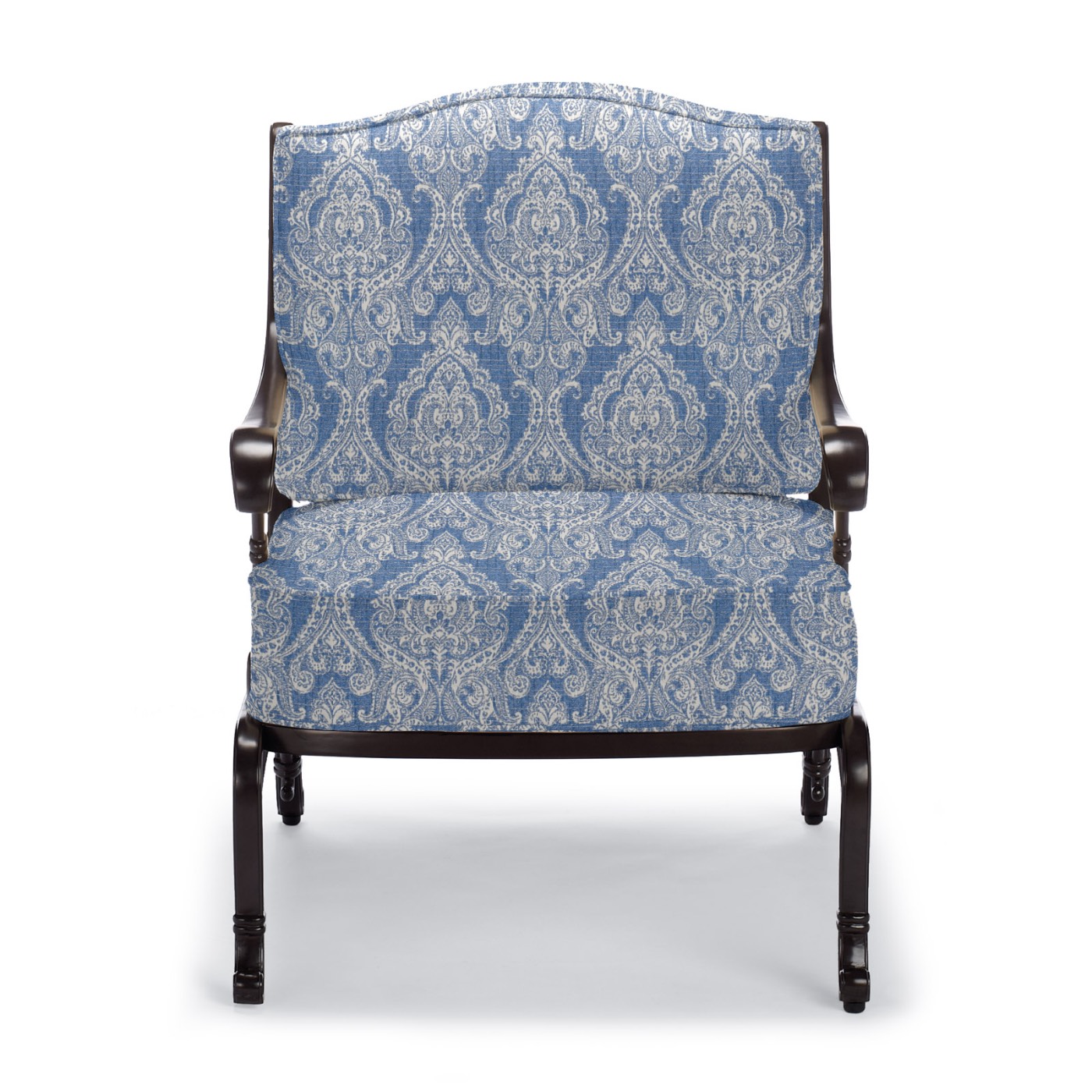
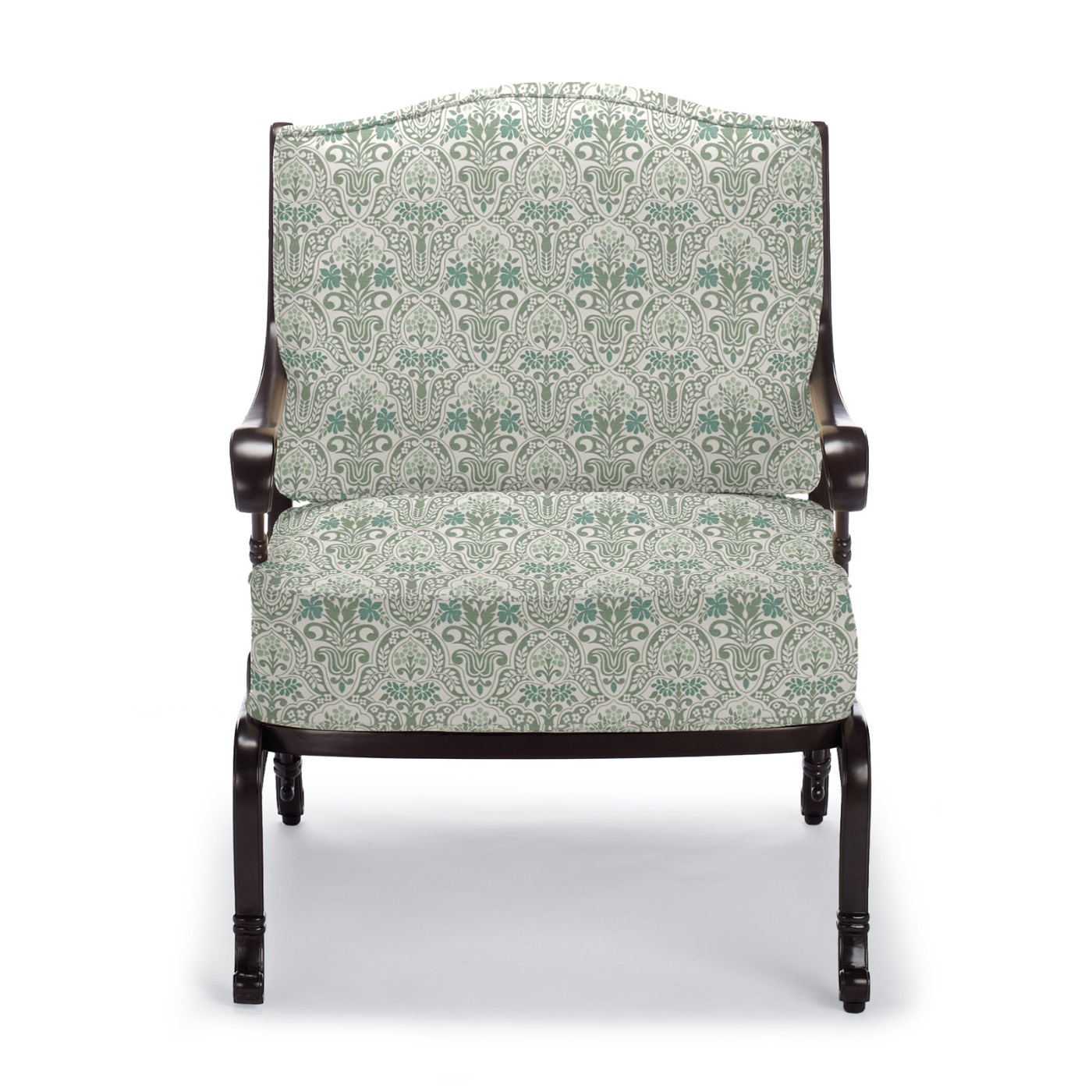
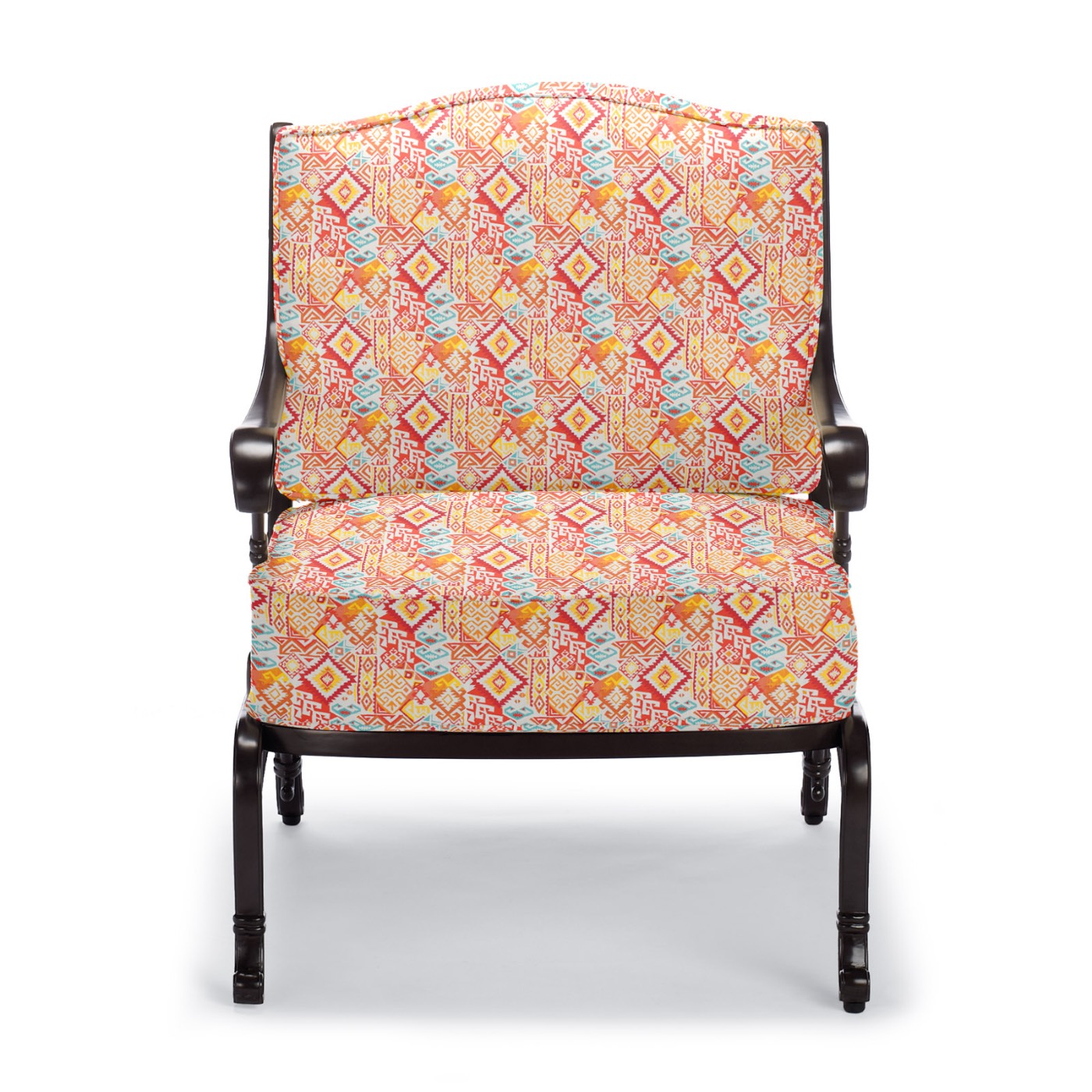
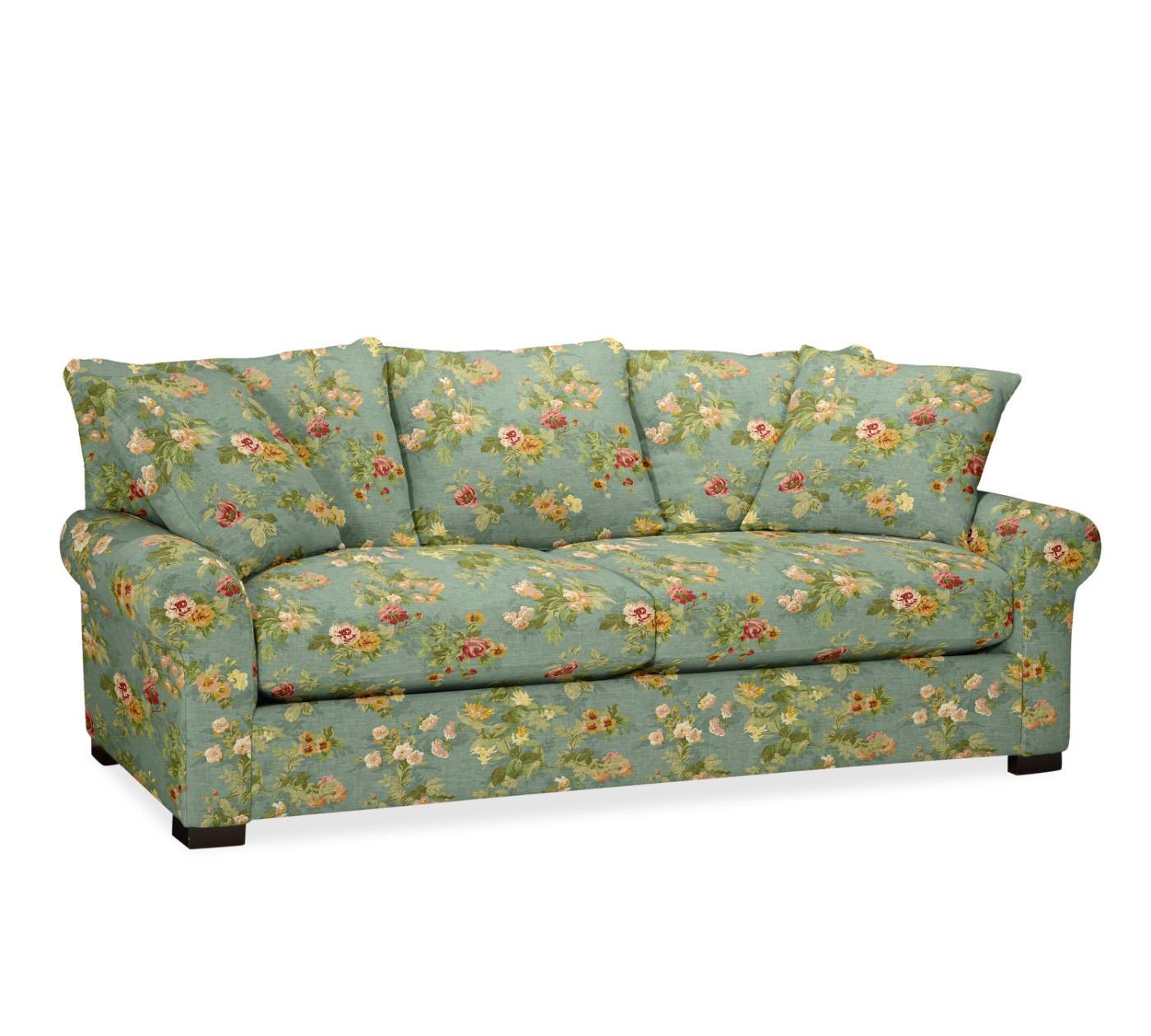
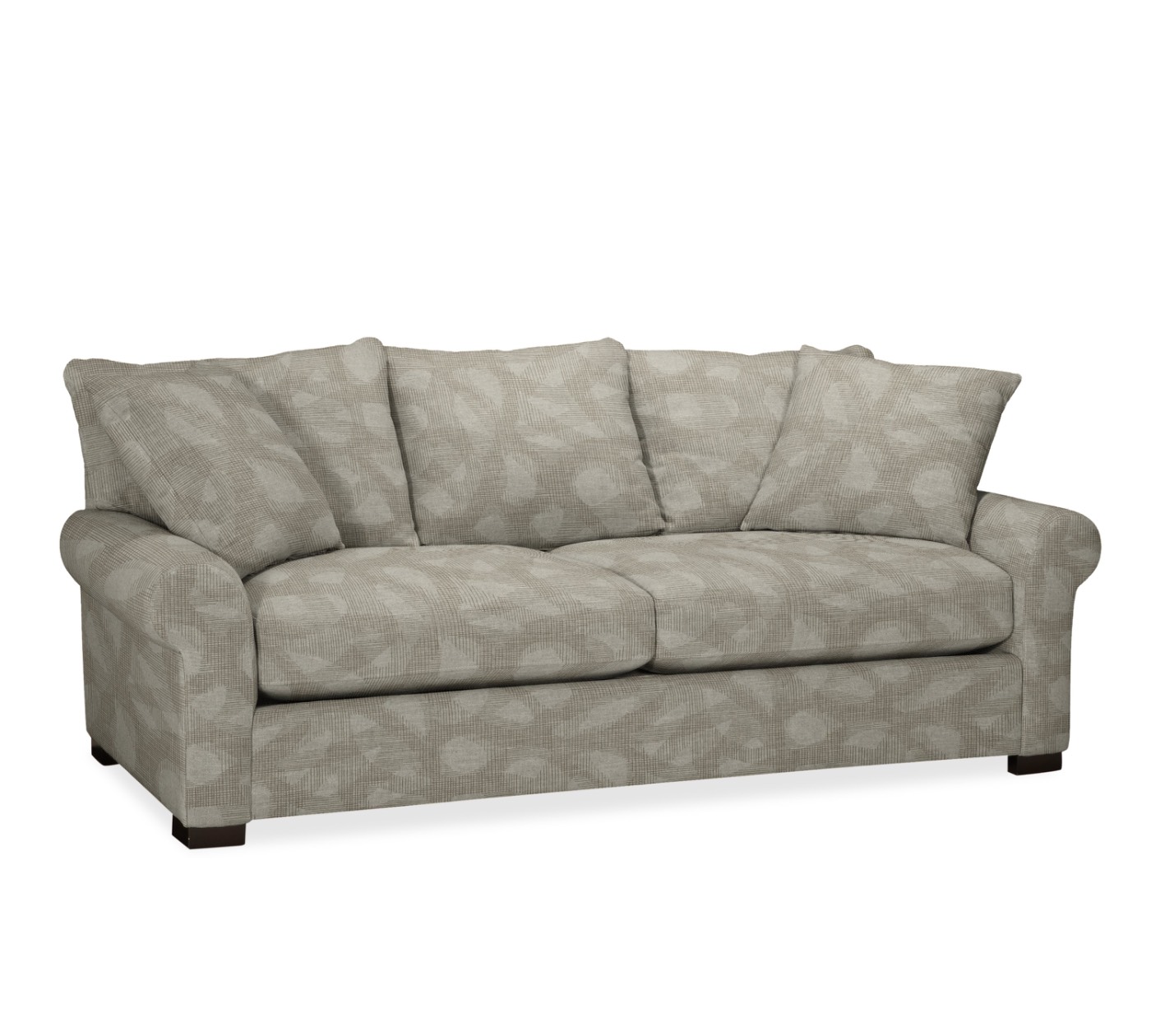
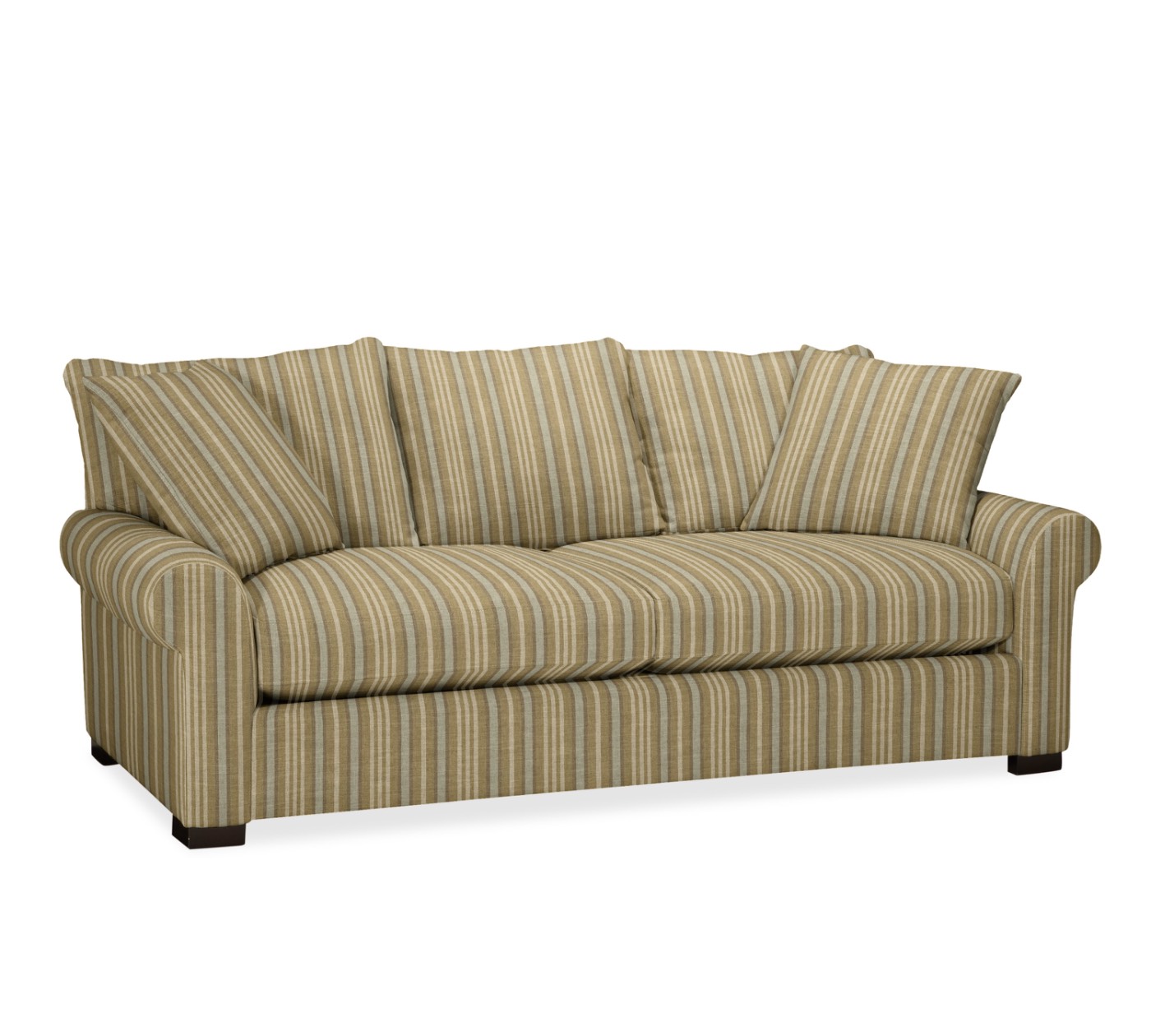
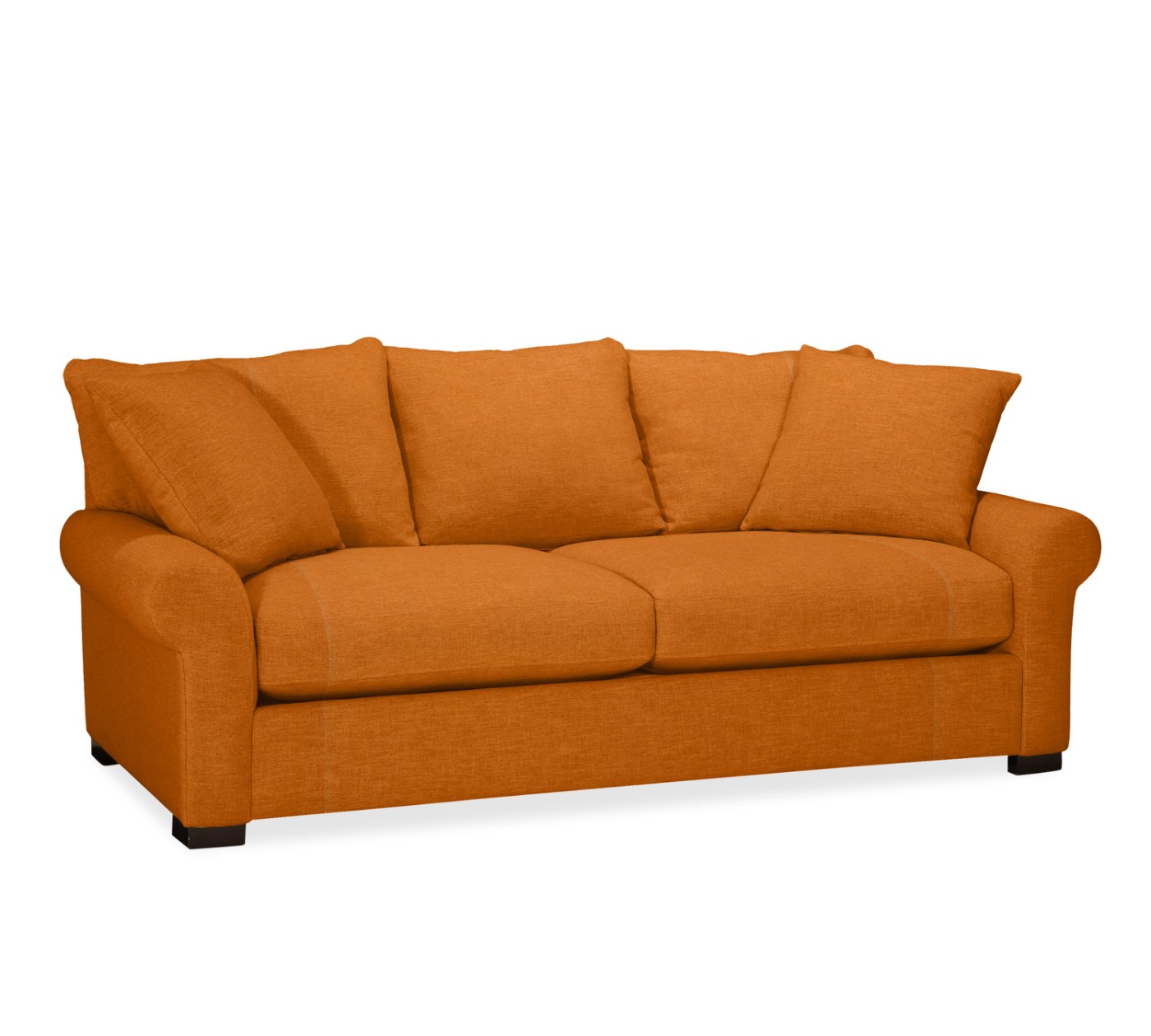
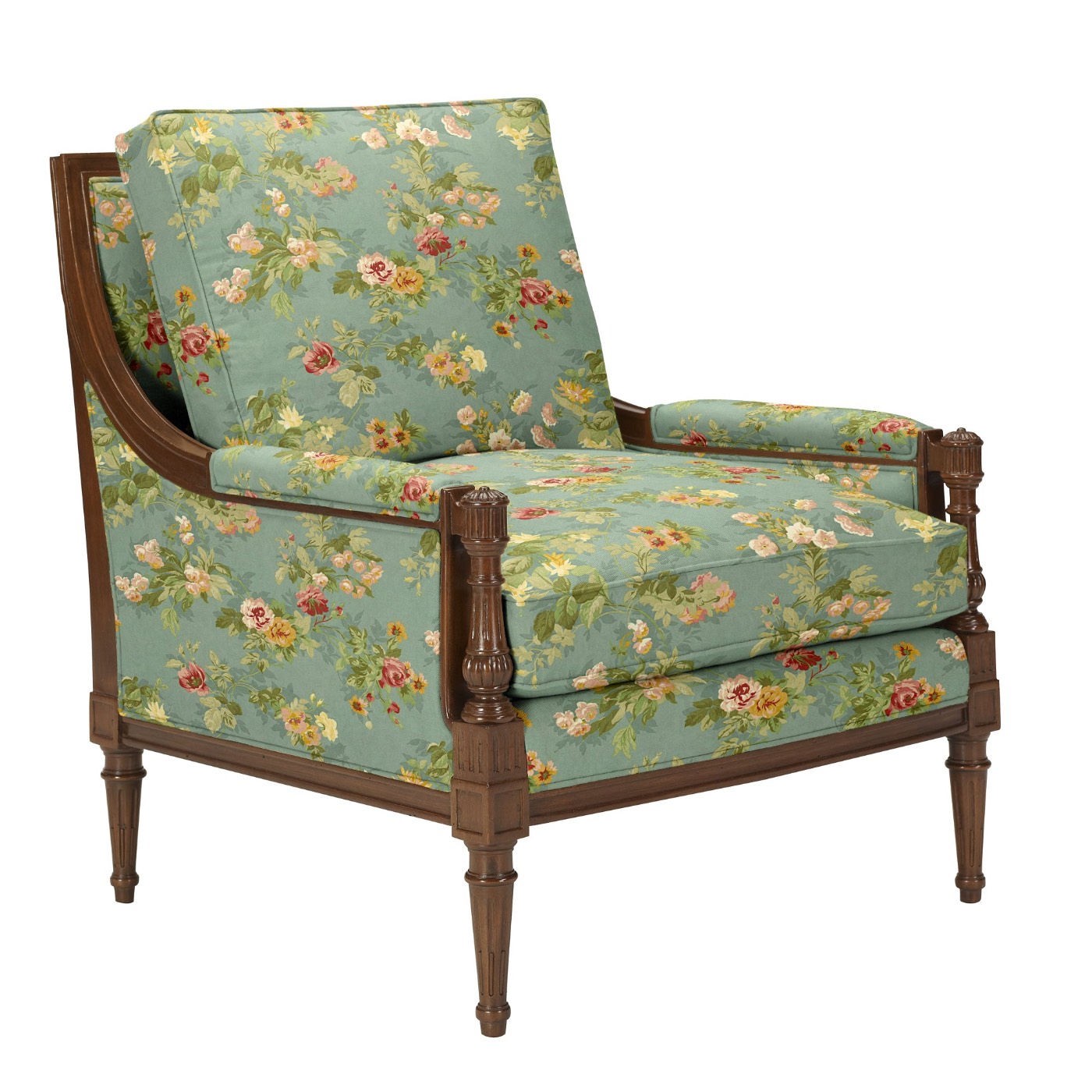
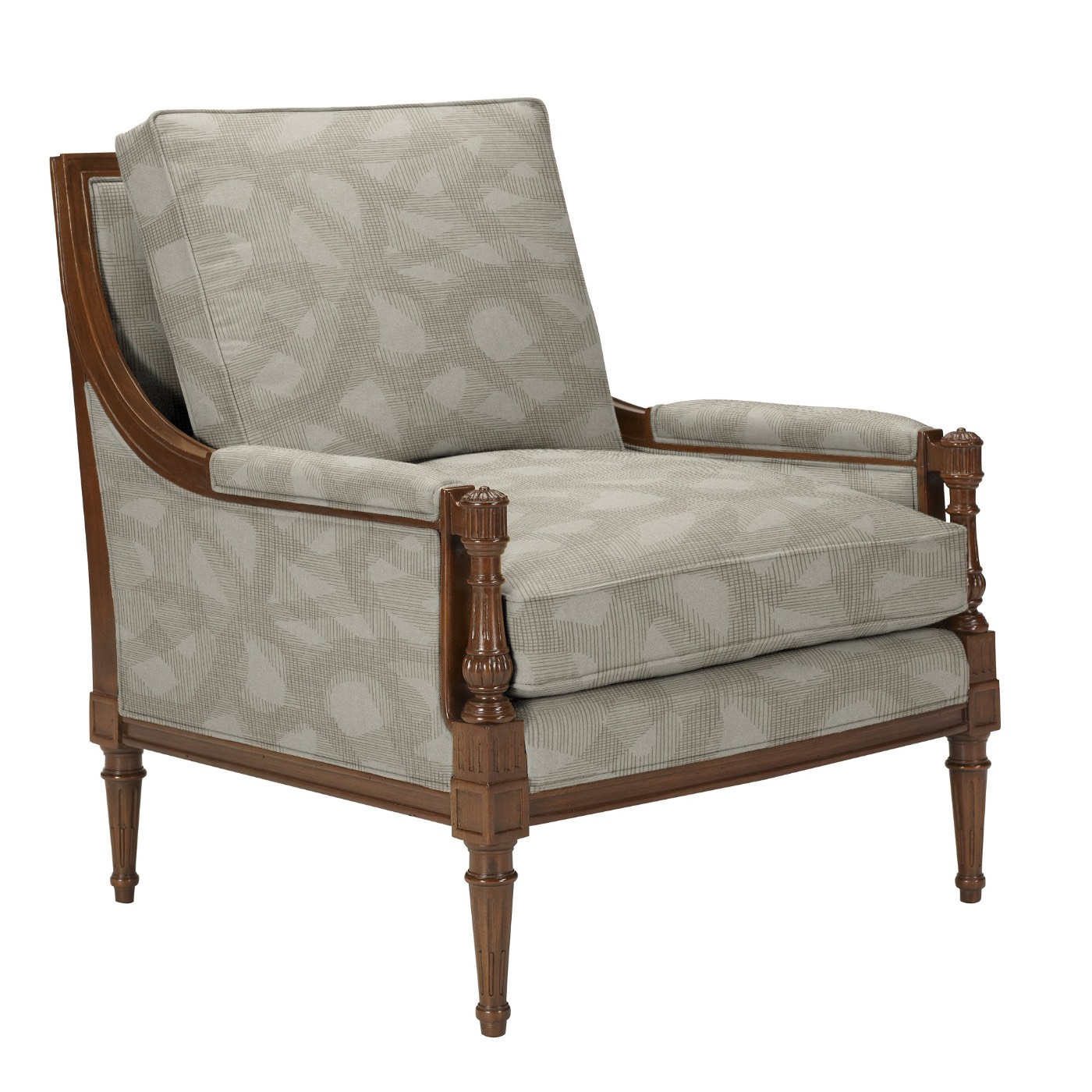
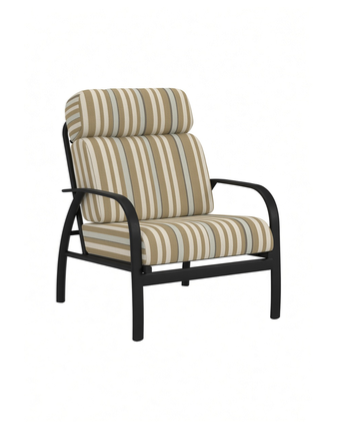
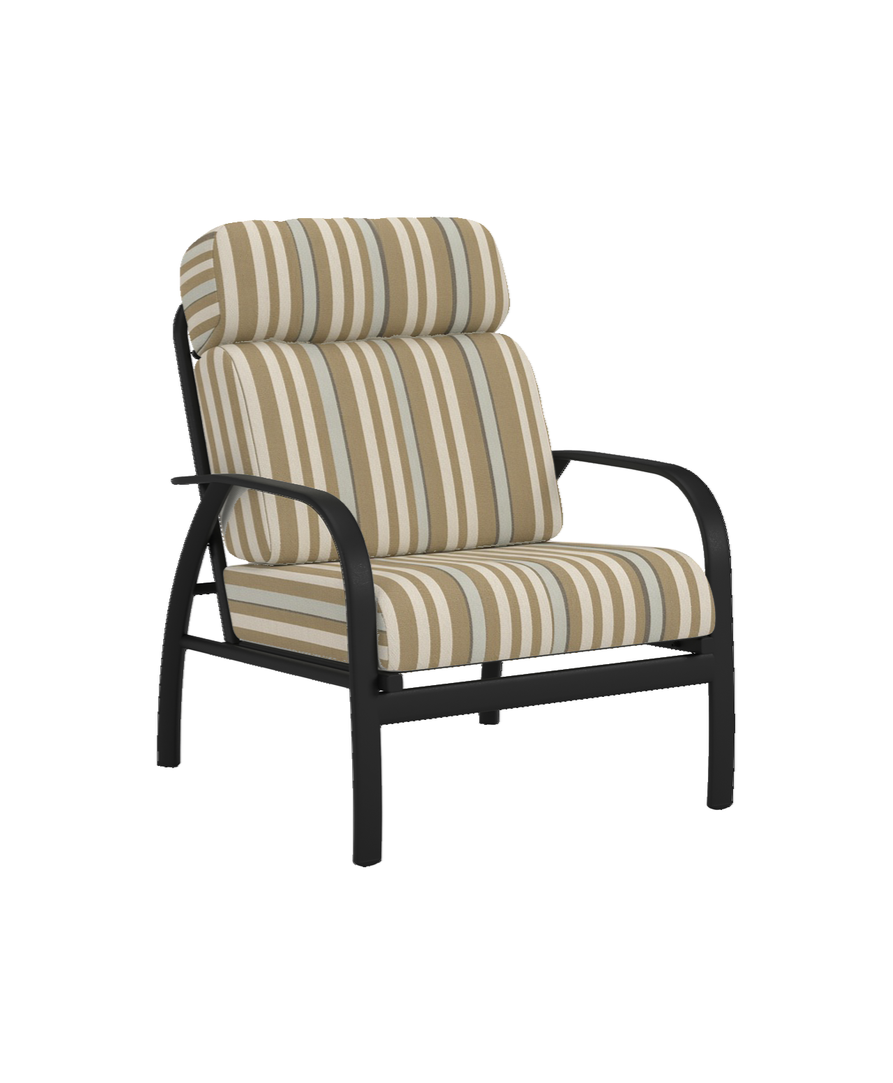
Chair in fabric AGBChair in fabric BLCChair in fabric FIFChair in fabric KCFSofa in fabric 8119-96Sofa in fabric AKRSofa in fabric CCSSofa in fabric CFTSofa in fabric MZUSofa in fabric OVRSofa in fabric STSofa in fabric VELUBergère in fabric 8119-96Bergère in fabric AKRBergère in fabric CCSBergère in fabric CFTBergère in fabric OVRBergère in fabric VELU
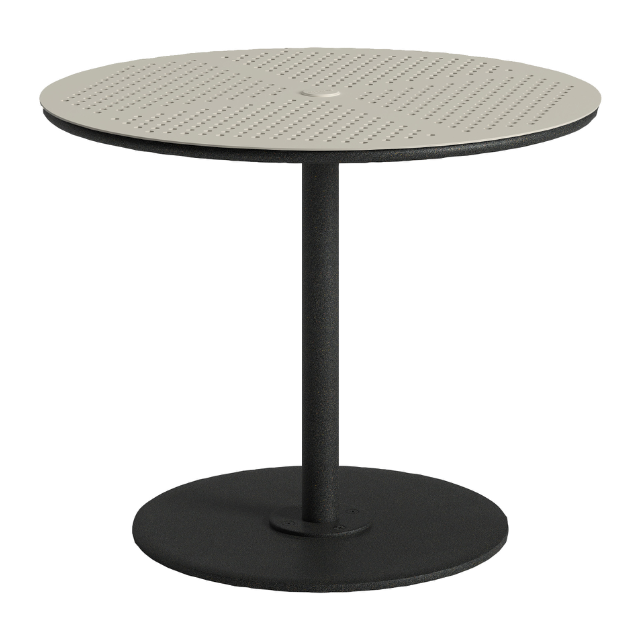
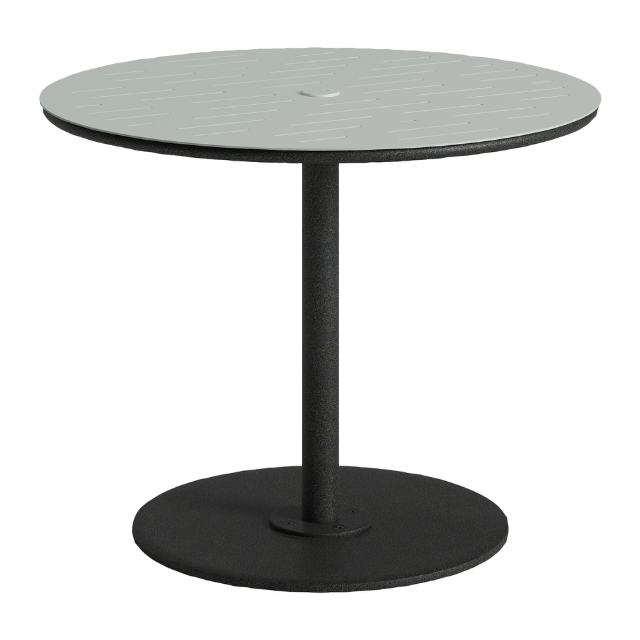
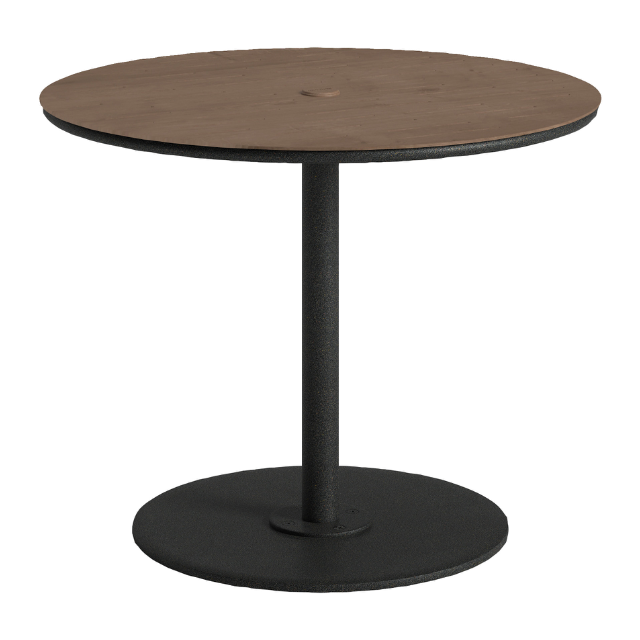
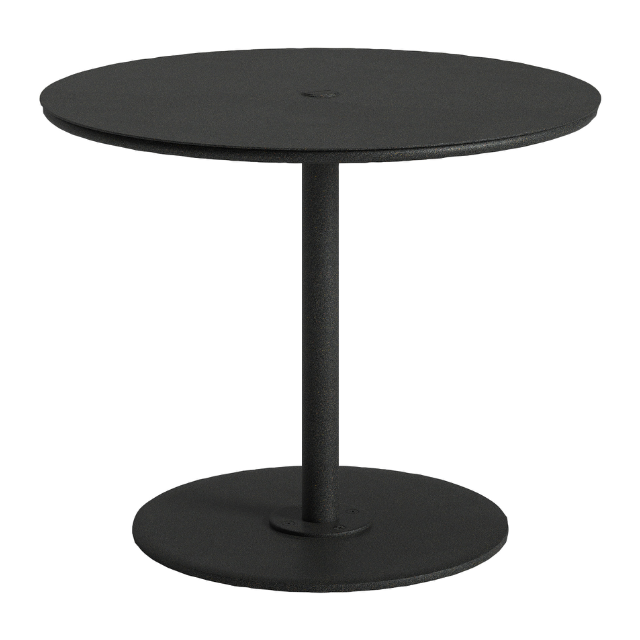
FABRIC AGB — frame untouched 1 / 4 fabrics · 1 frame
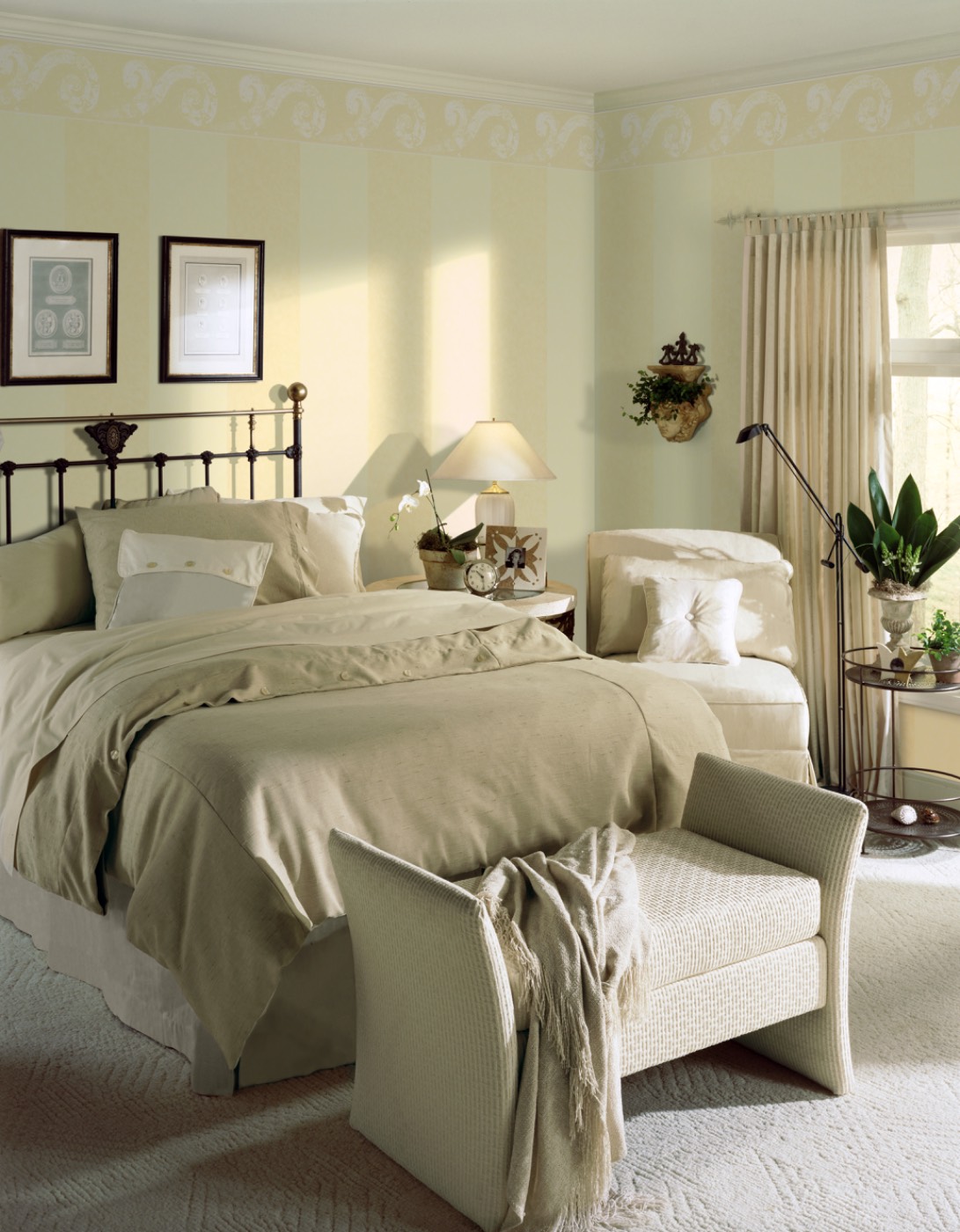
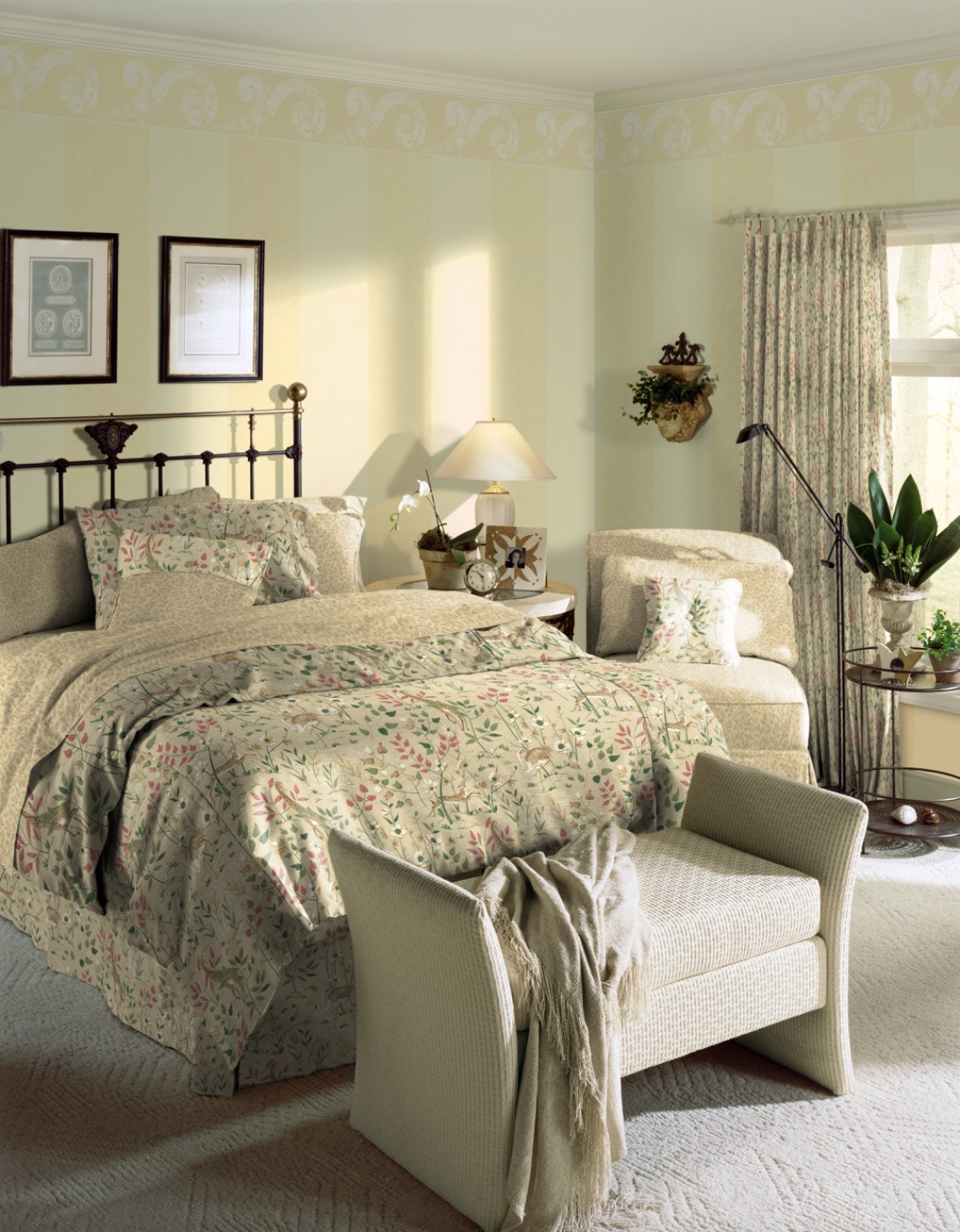
Before: bedroom with solid neutral bedding and plain curtains After: bedding, pillows and curtains re-dressed in a floral print
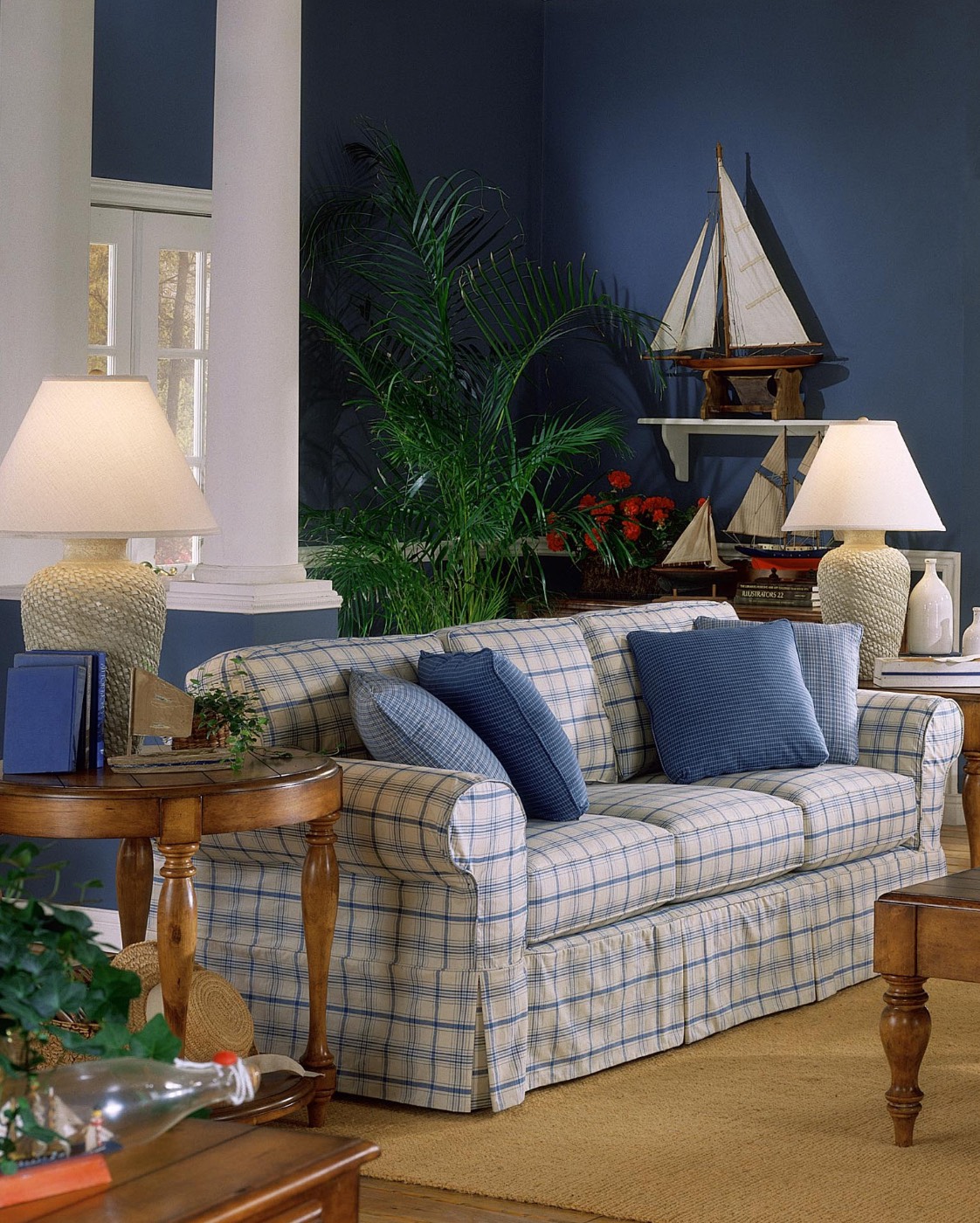
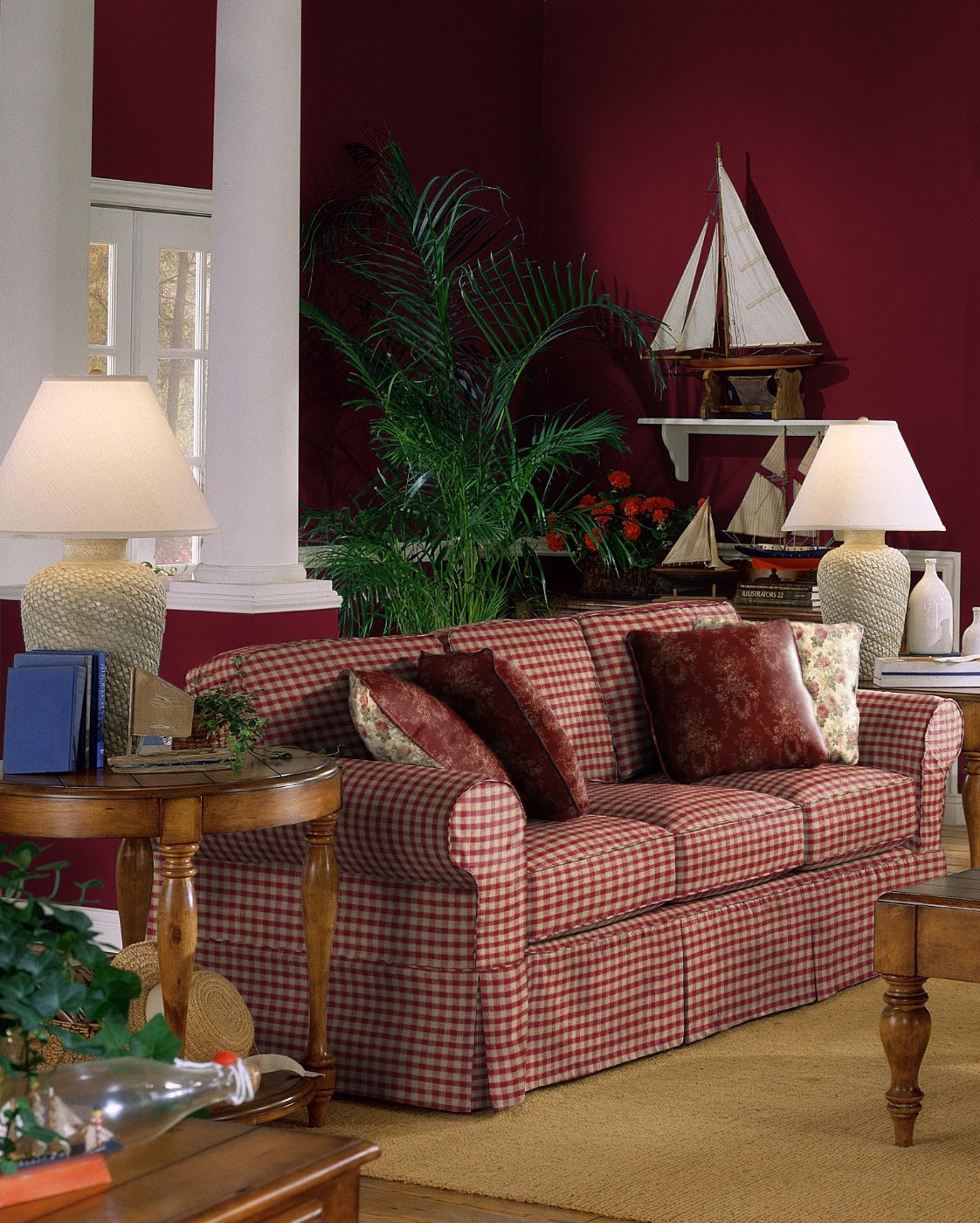
Before: sofa in blue plaid against blue walls After: sofa in red gingham against red walls
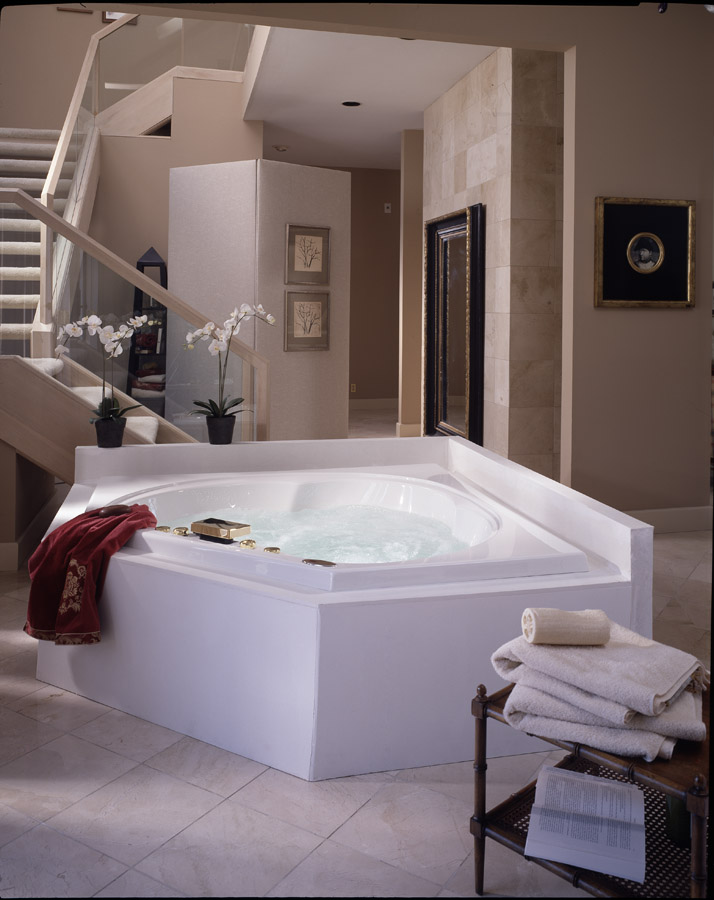
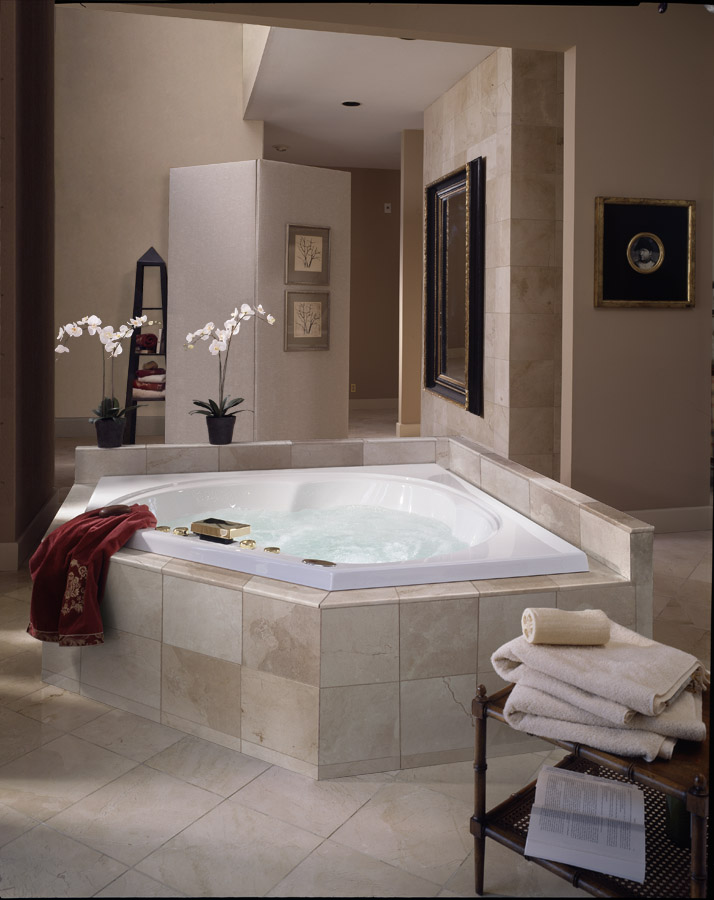
Before: bath with staircase and white tub surround After: staircase removed, stone tile tub surround
BEFORE ←→ AFTER
01 / 03
Retouch / Before · After

One room shot. A new collection.

Duvet, shams, pillows, bed skirt and drapery re-dressed in a new print. Folds, shadows and window light carried through. Walls, furniture and styling untouched.
Fabric wrapSoft goodsPhotoshop
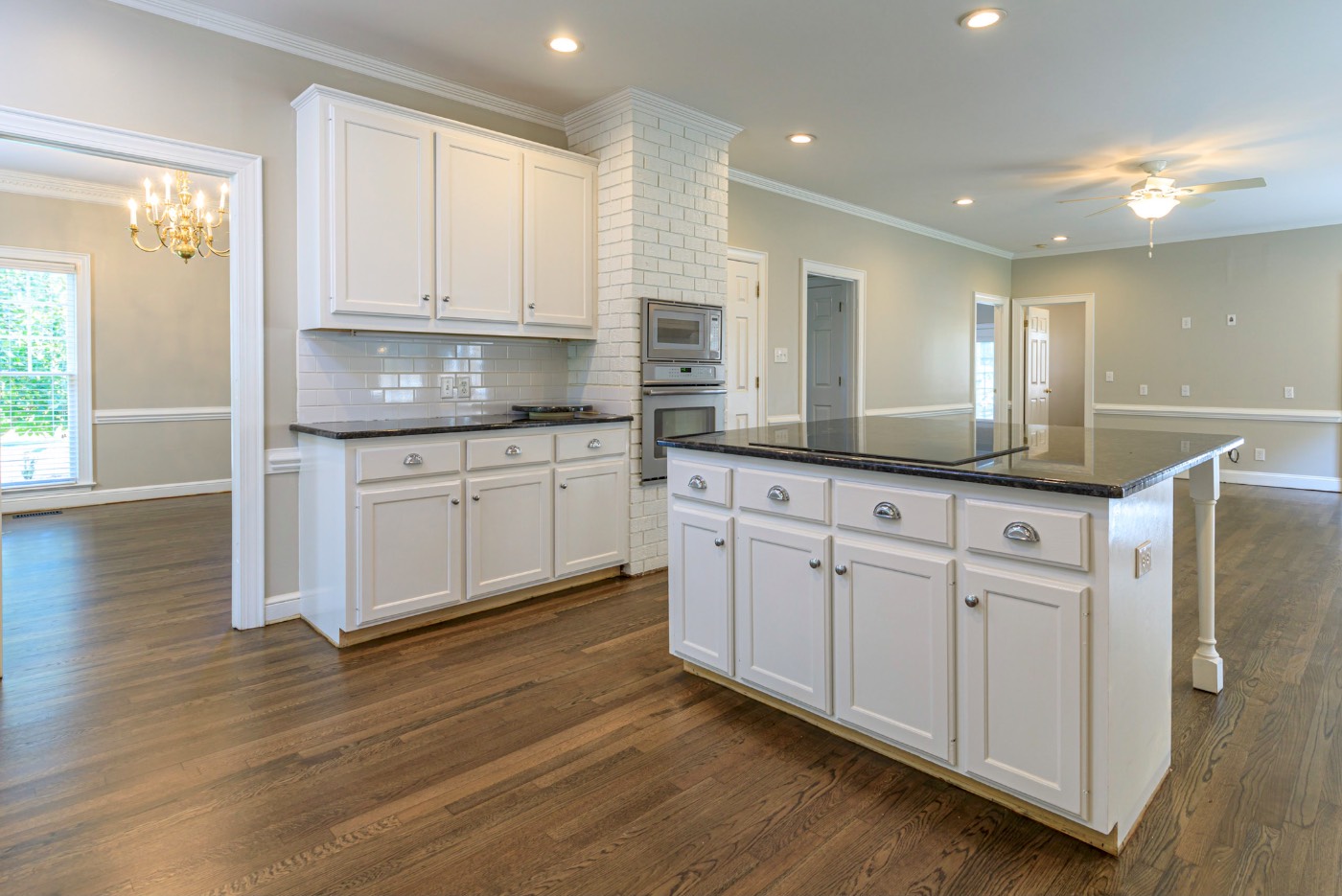
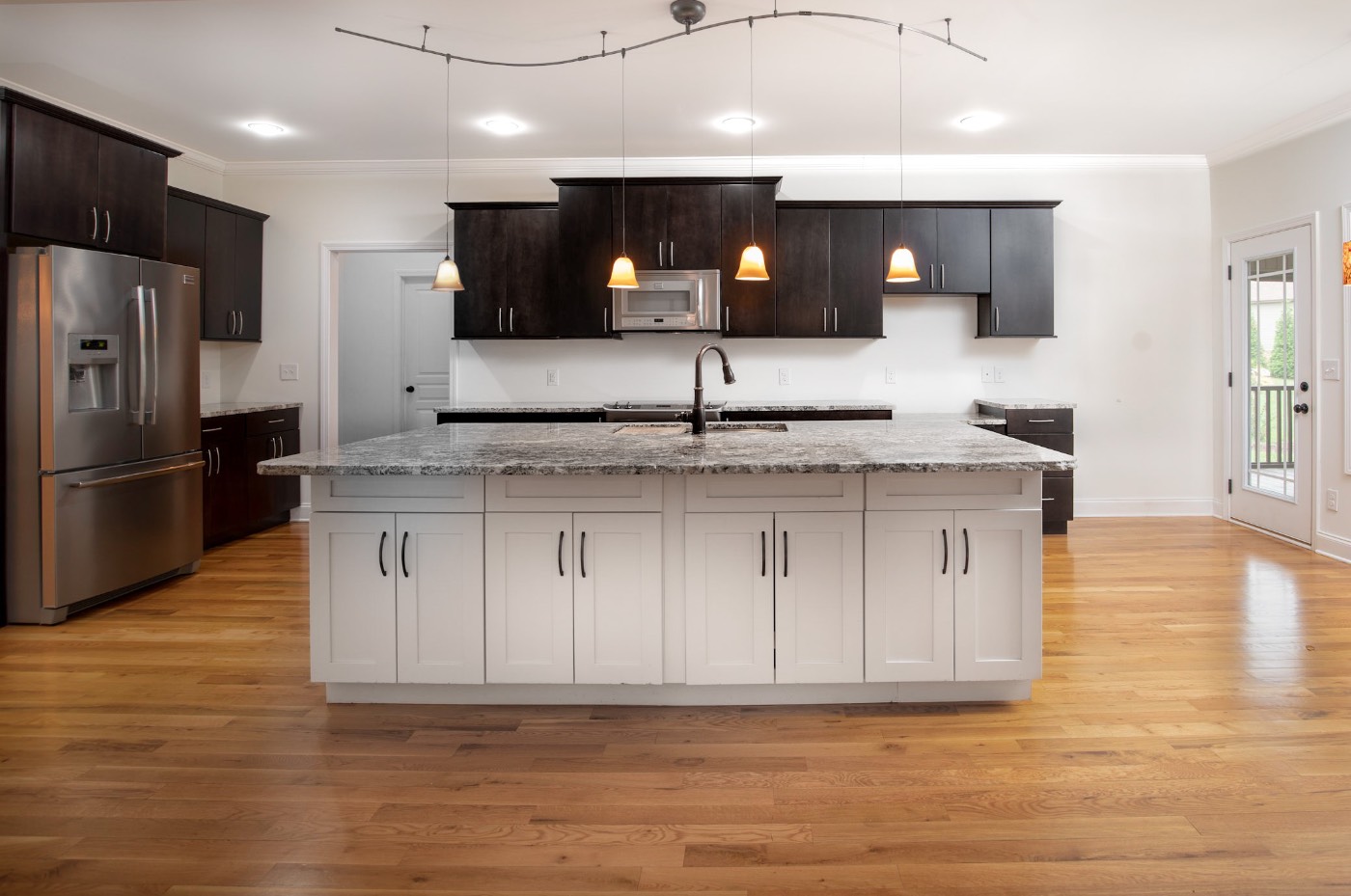
Interior photograph 1 by Scott G. DavisInterior photograph 2 by Scott G. DavisInterior photograph 3 by Scott G. DavisInterior photograph 4 by Scott G. Davis
01 / 04
01 / Capture

Photograph it right the first time.

Studio furniture, interiors, architecture, and material capture. Lit and shot so the product is correct before retouching starts.
Studio lightingInteriorsArchitecture
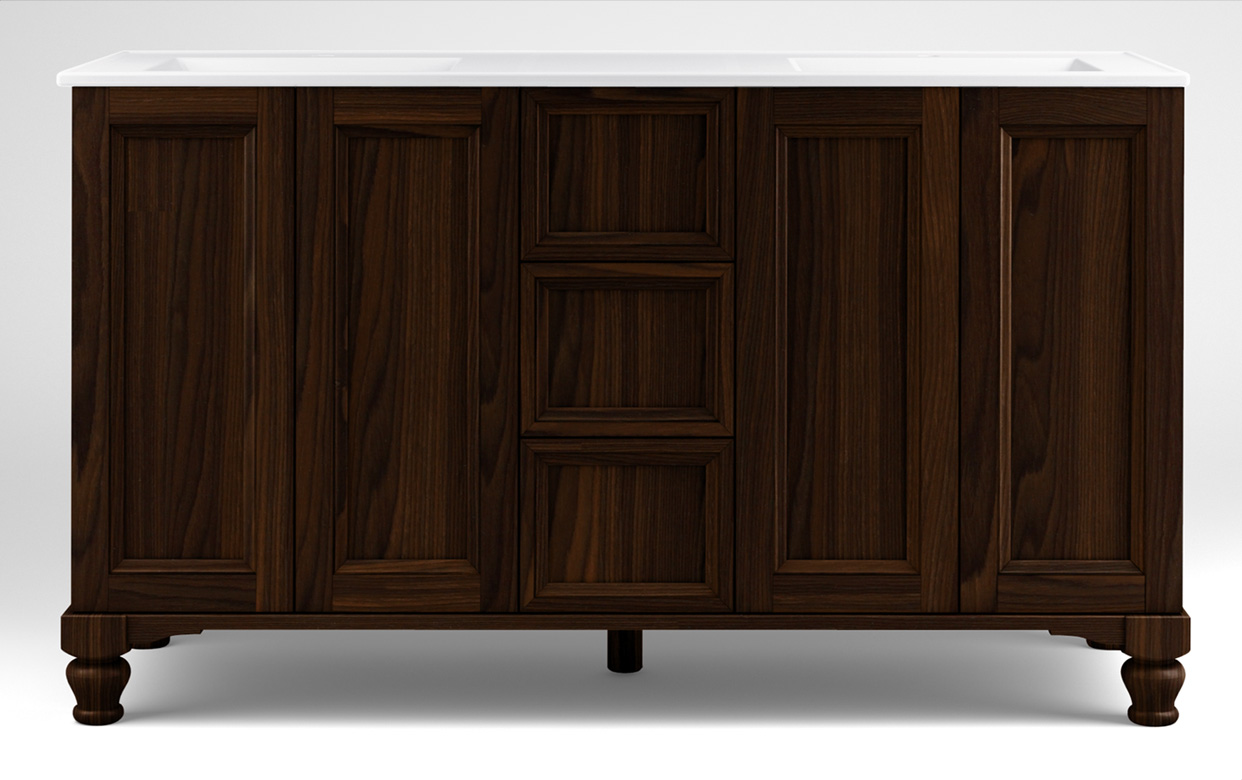
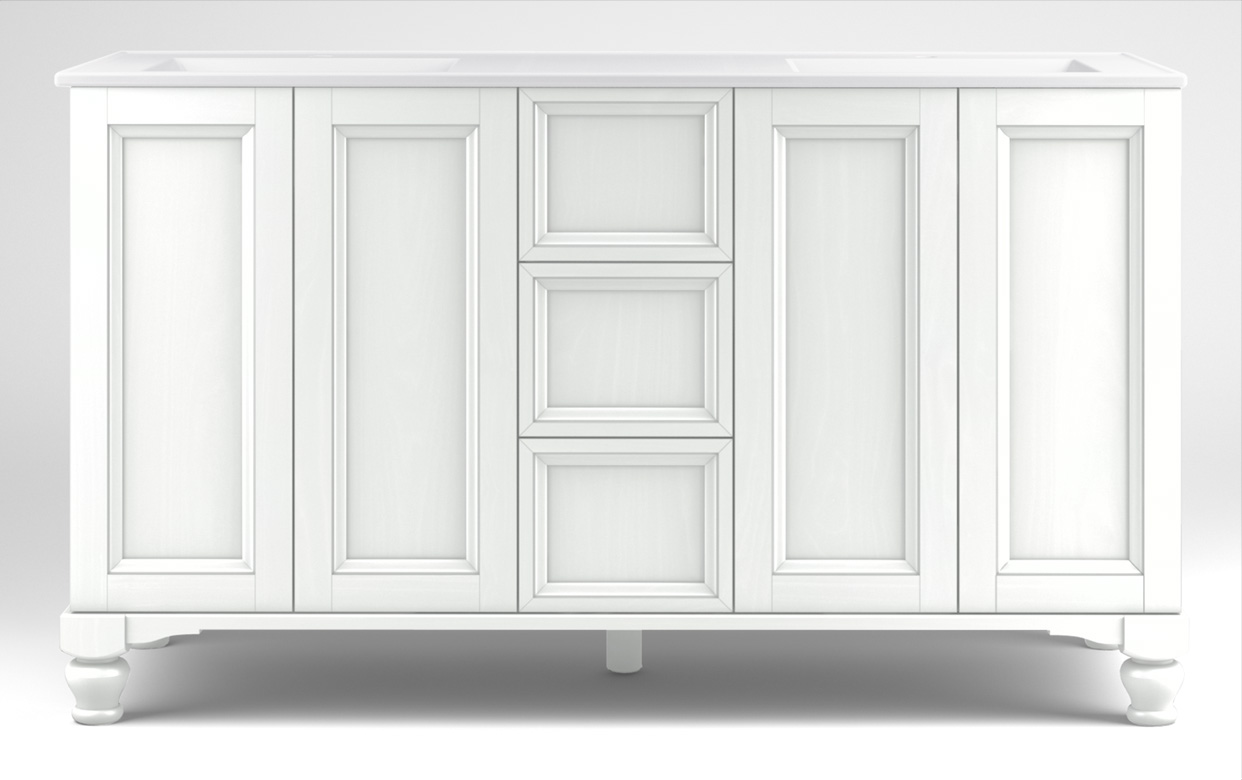
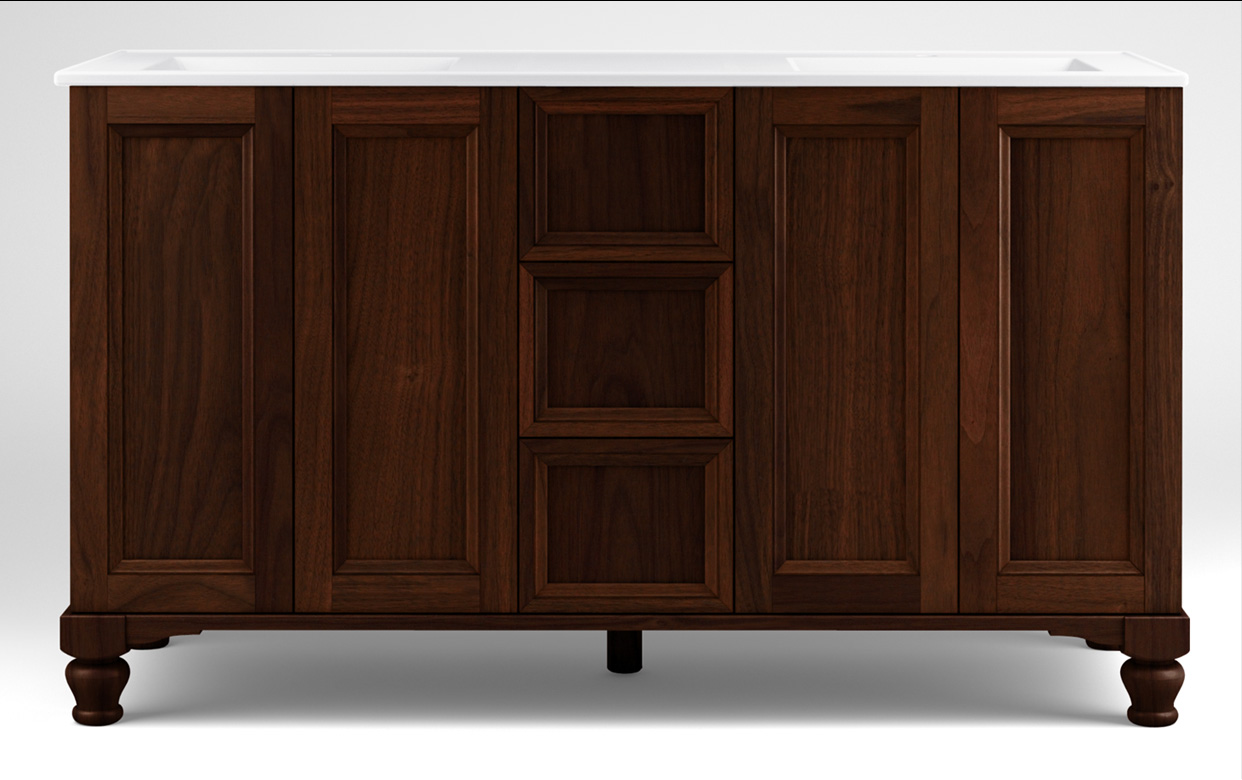
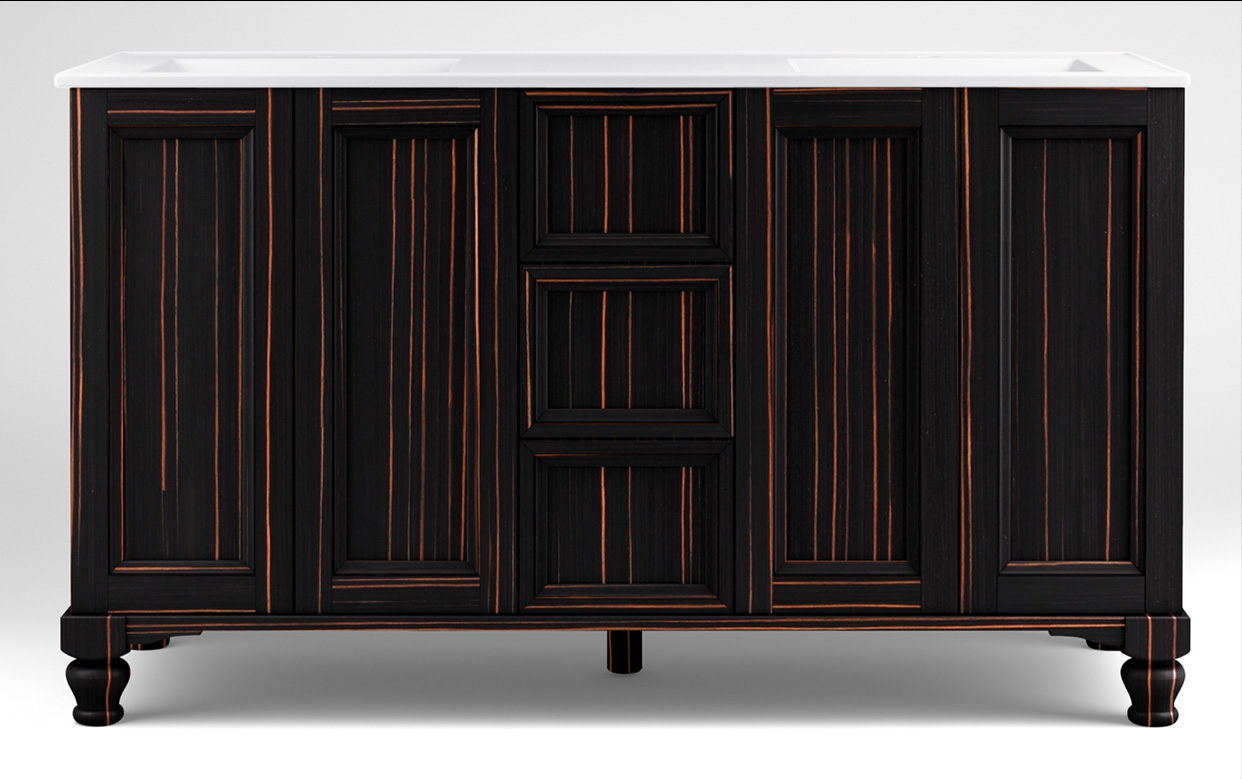
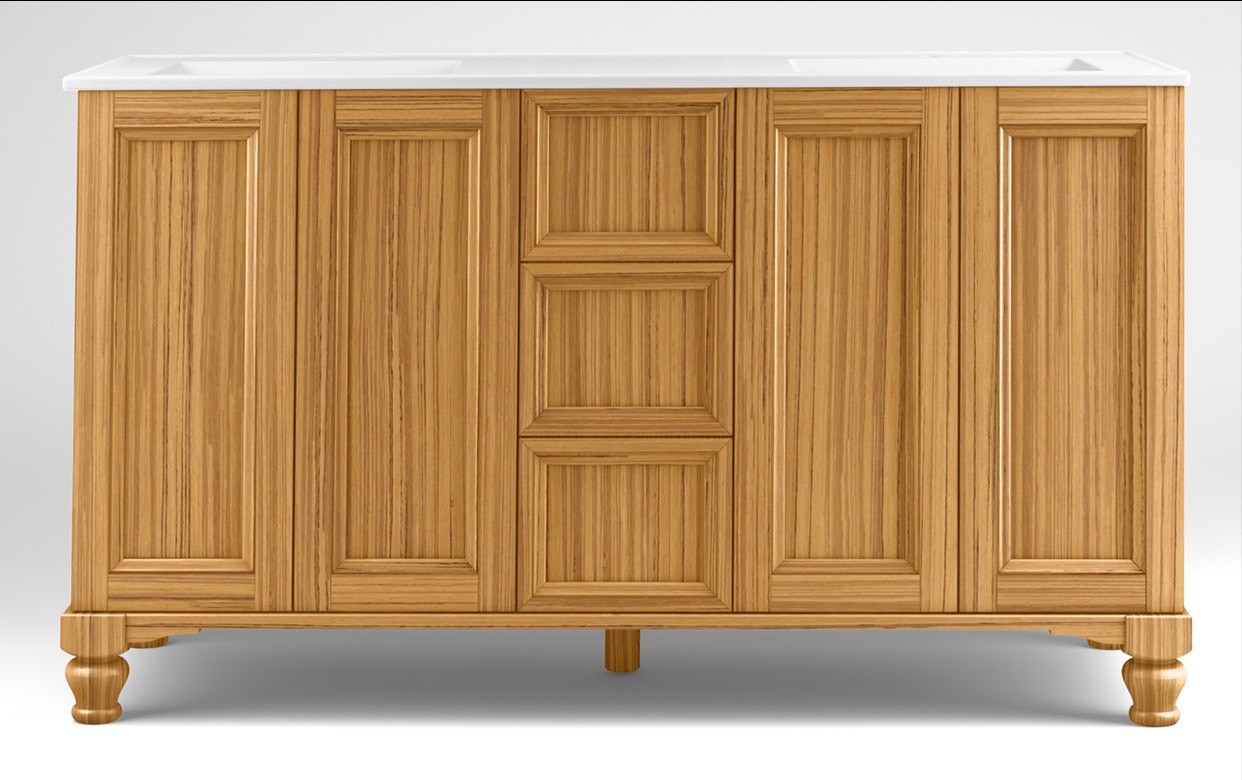
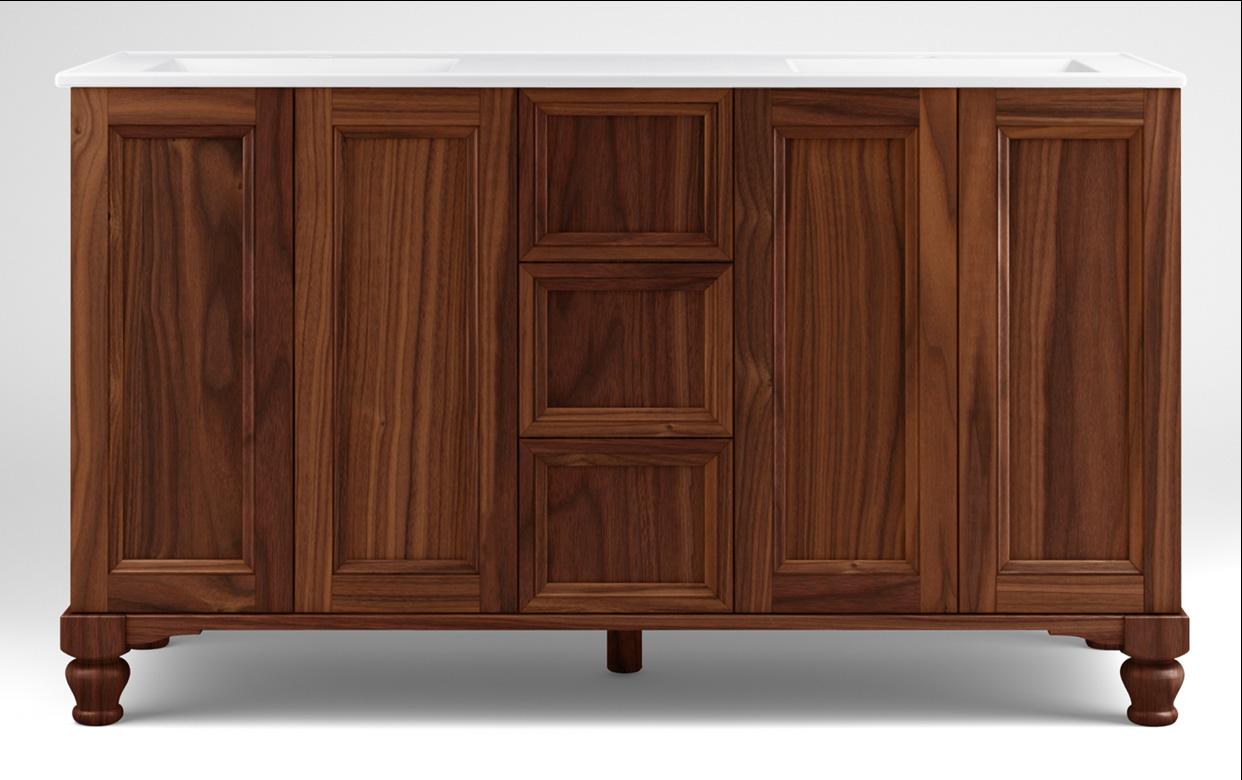
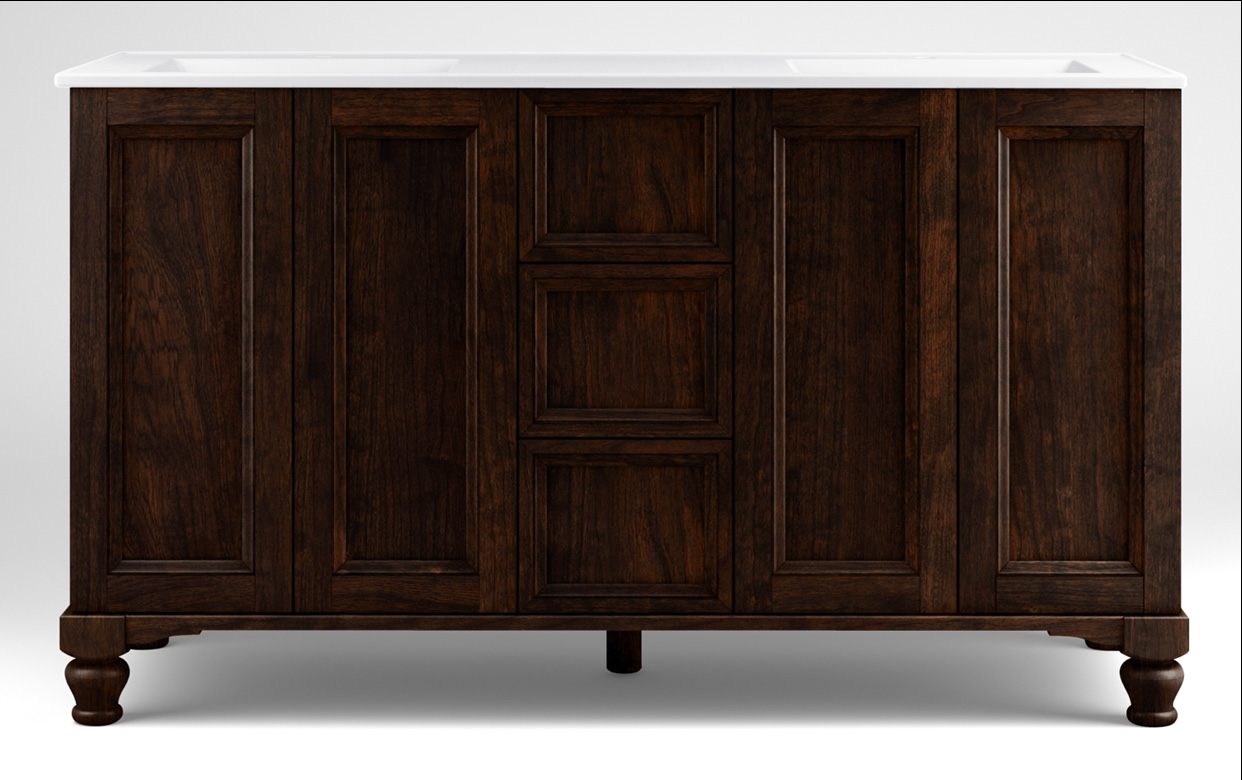
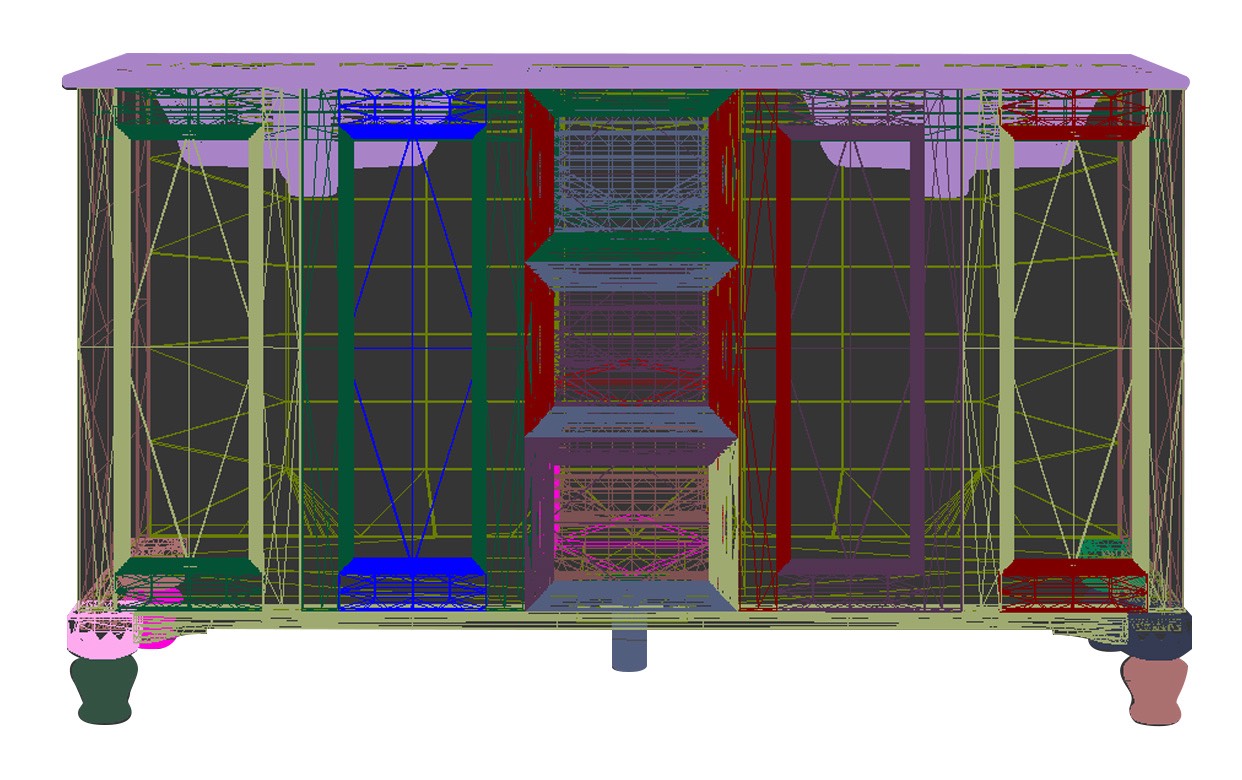
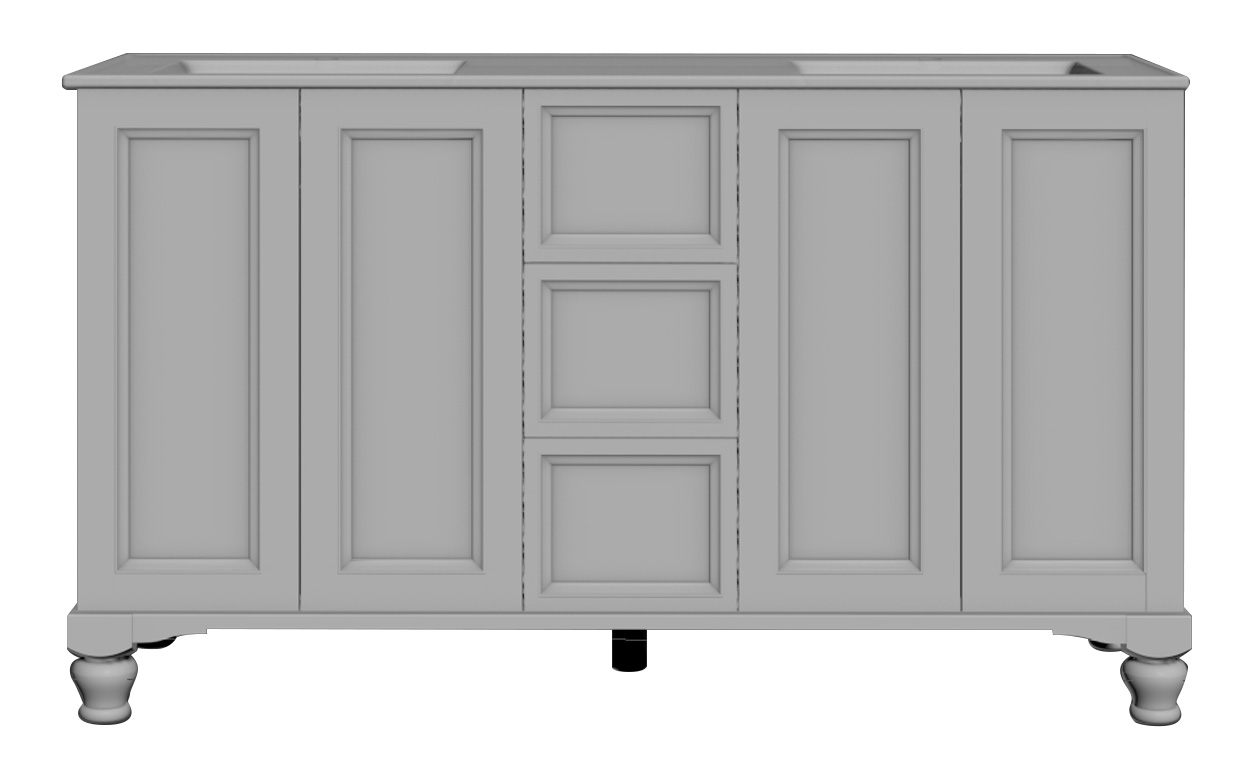
Vanity casegood 3D model — wireframeVanity casegood 3D model — clay renderVanity casegood 3D model — finish 01Vanity casegood 3D model — finish 02Vanity casegood 3D model — finish 03Vanity casegood 3D model — finish 04Vanity casegood 3D model — finish 05Vanity casegood 3D model — finish 06Vanity casegood 3D model — finish 07
Wireframe · 01 / 09
02 / Build

Build the room around the product.

3D sets, fabric-to-frame wraps and Scene7 configurator assets. Every fabric and finish in the catalog, without reshooting each one.
3ds MaxV-RayScene7Fabric wrapsPhotoshop
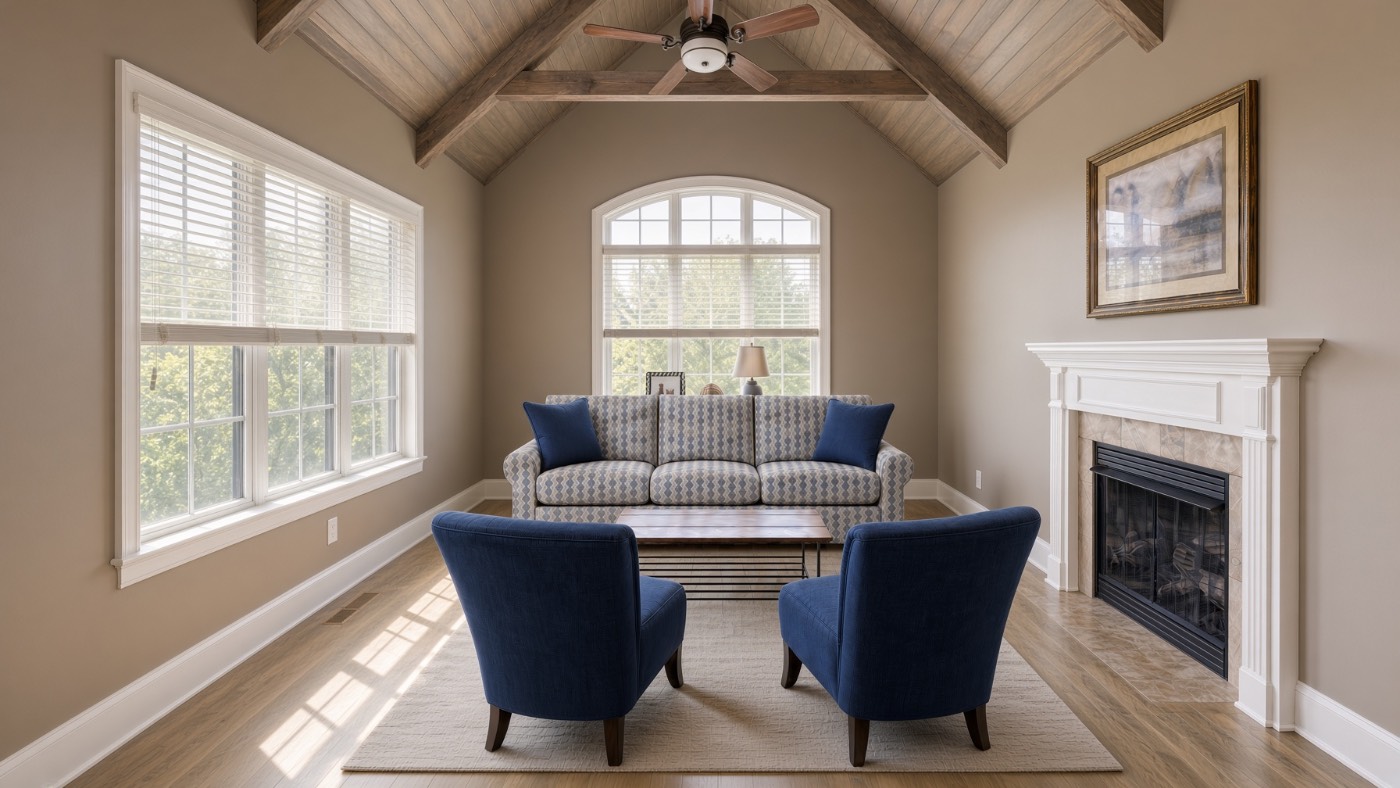
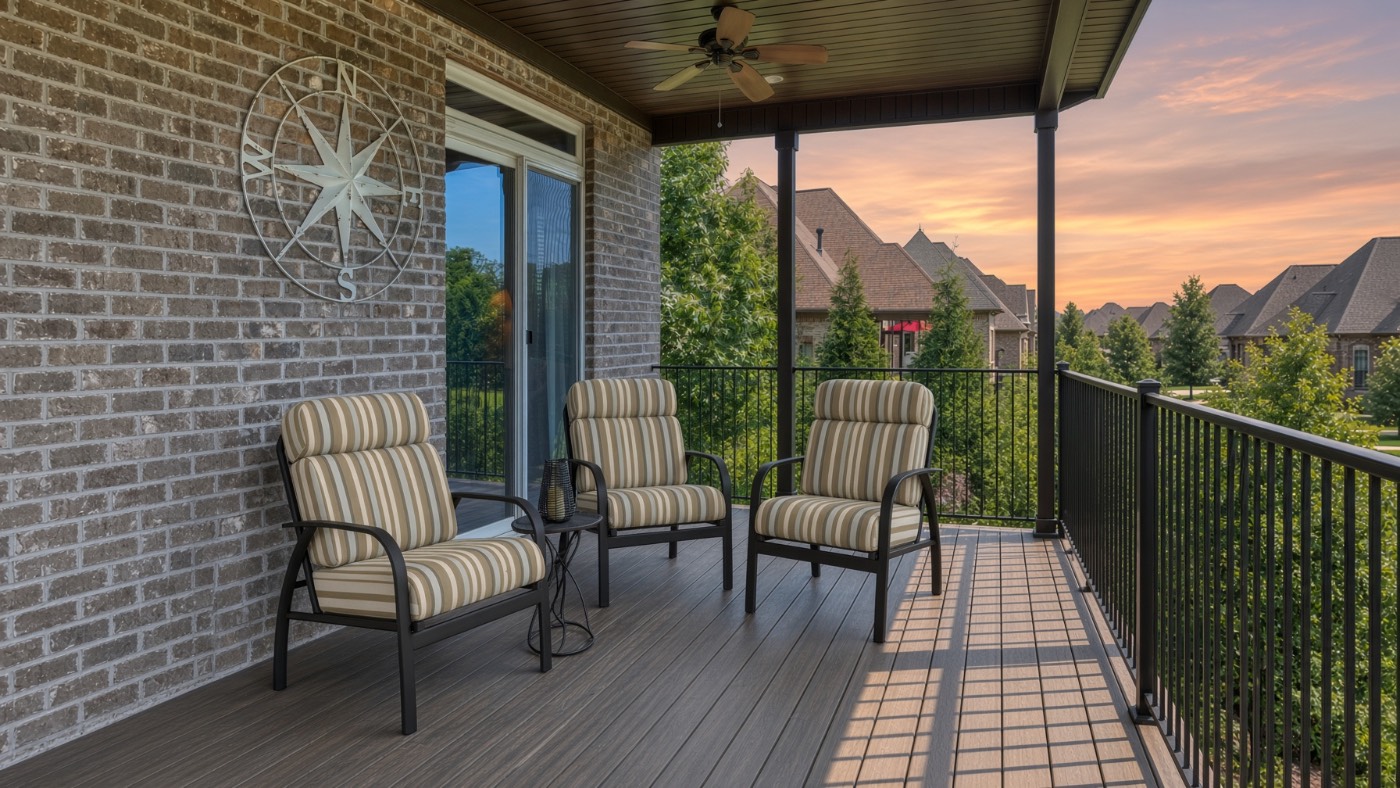
AI-generated living room with patterned sofa and navy accent chairsAI-generated covered back deck with striped outdoor chairs at sunset
Living room · 01 / 03
03 / Generate

Use AI without losing the product.

ComfyUI and Qwen pipelines for material swaps and scene variants. Masked so the textile changes and the frame, stitching and proportions stay exact.

ComfyUIQwenMaskingMaterial swapQA
03 / Generate — Recent projects

Tools I build so the pipeline stays exact.

PROJECT 01 · macOS app

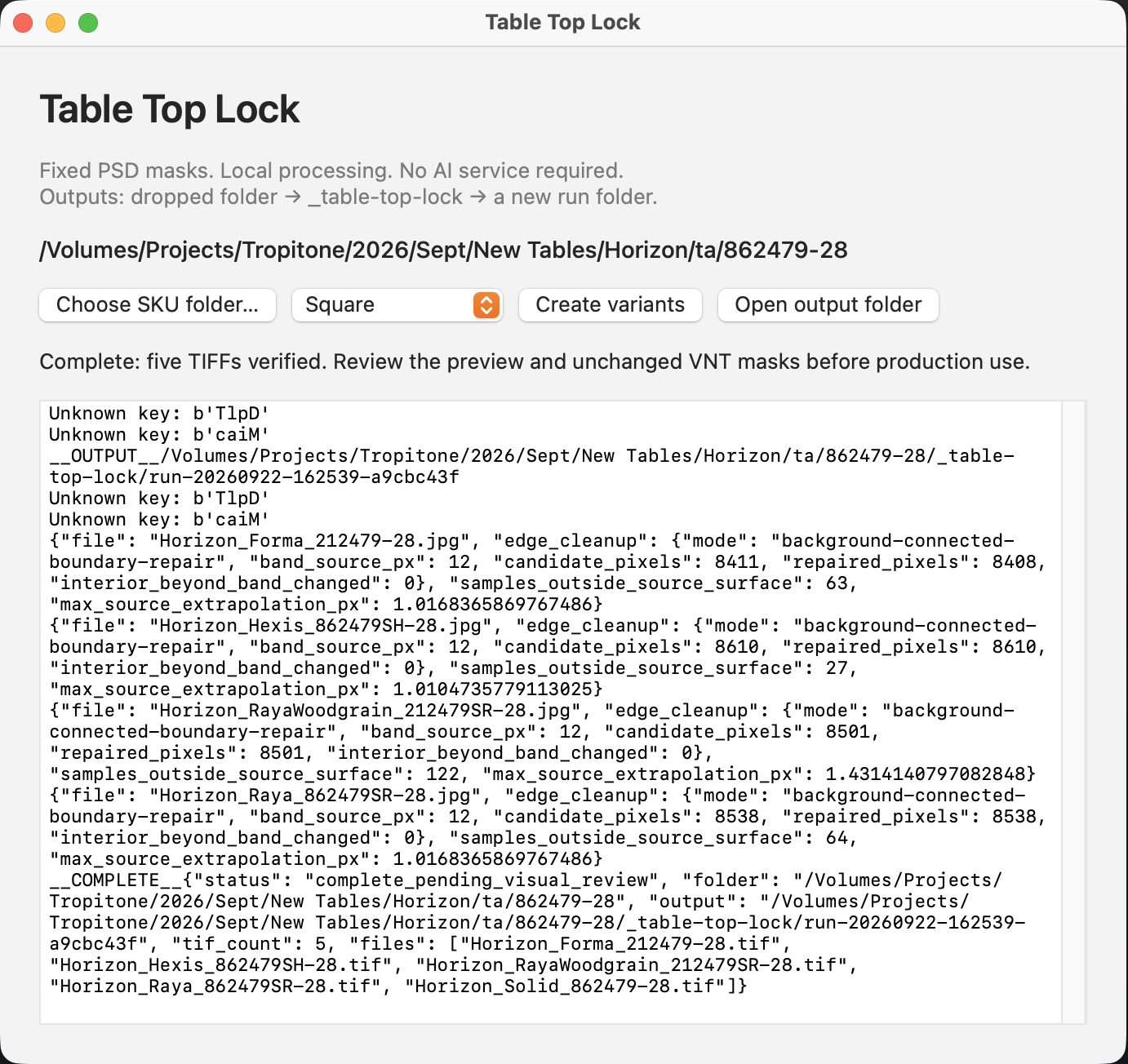
Table Top Lock

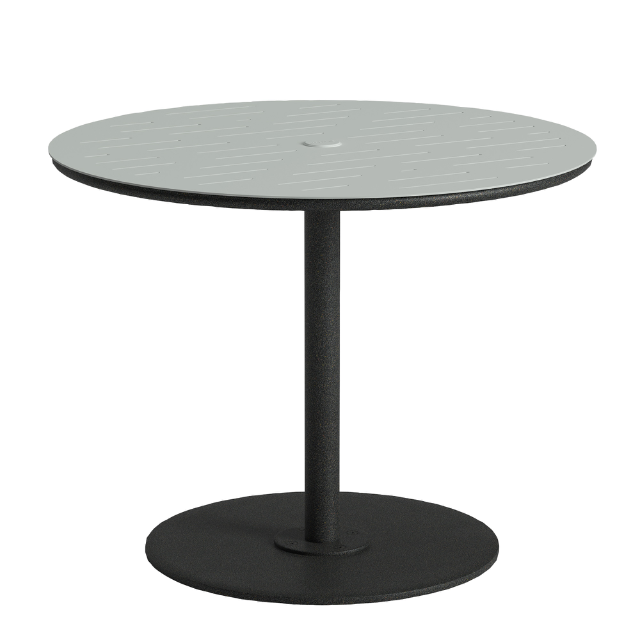
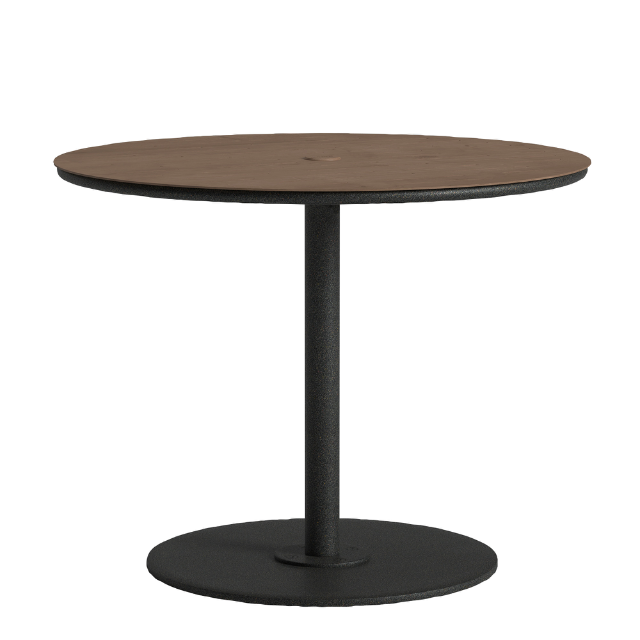
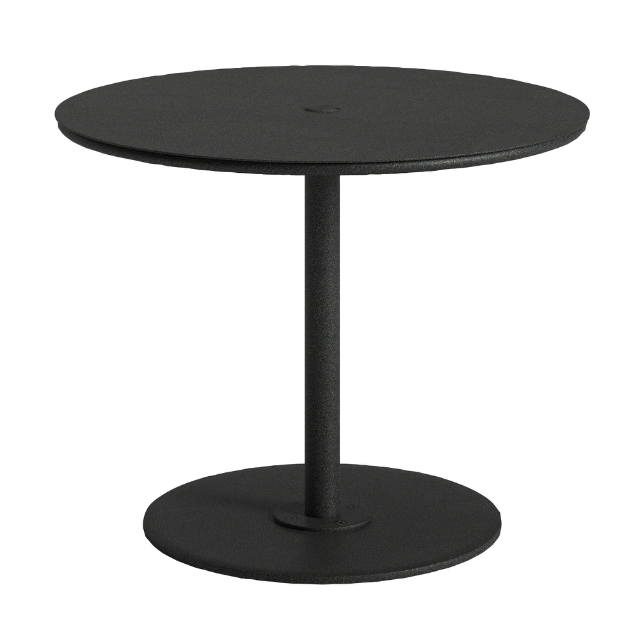
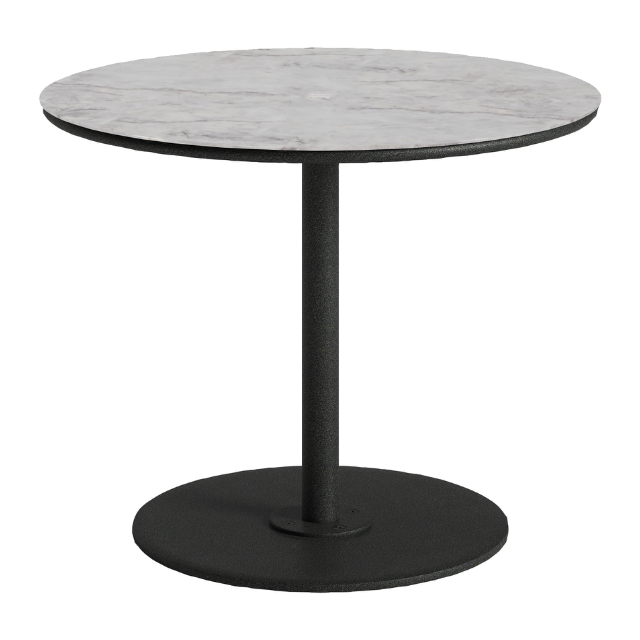
Table tops shot or rendered from different camera heights never line up across a collection. Drop a SKU folder in, and every top comes out at the same angle, height and position — edges repaired against fixed PSD masks, locally, no AI service.
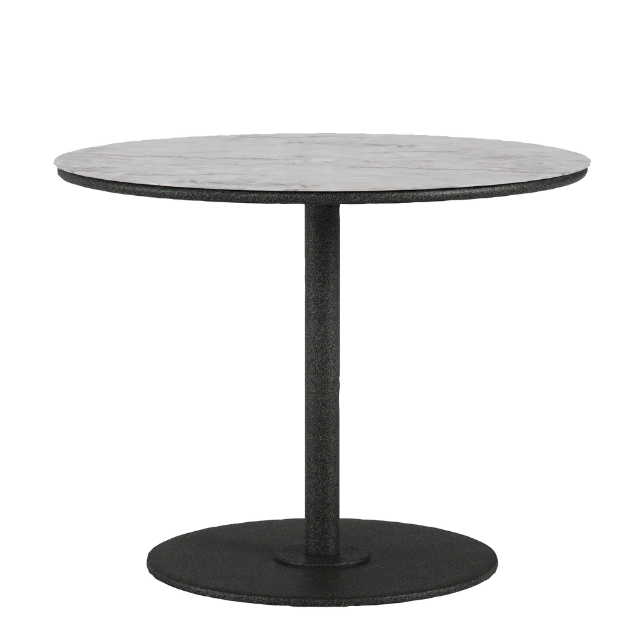
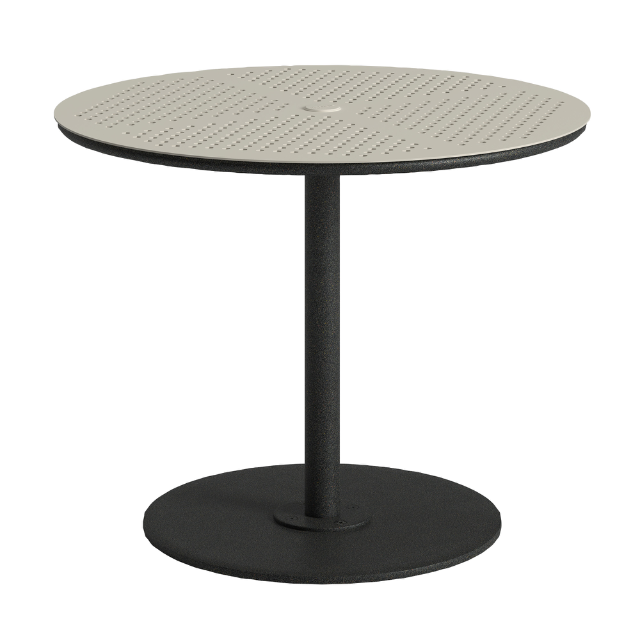
5 / 5TIFFs verified per run
0interior pixels changed
12pxedge-repair band
IN One SKU folder, five finishes, five camera heights
Forma table as shot
Forma
Hexis table as shot
Hexis
Raya table as shot
Raya
Raya Woodgrain table as shot
Raya Woodgrain
Solid table as shot
Solid
Table Top Lock app window showing a completed run with five TIFFs verified
  1. 01 Drop a SKU folderEvery finish for one table, straight from the shoot or render.
  2. 02 Find the top and baseTabletop ellipse and base footprint located on each frame.
  3. 03 Lock perspective and heightEach frame is re-projected to one shared angle, top height and base line.
  4. 04 Repair edgesA 12px boundary band is cleaned against the fixed PSD masks. Nothing inside it moves.
  5. 05 Export and verifyLayered TIFFs written to a new run folder, checked, and flagged for visual review.
OUT Same angle. Same height. Same position.
Forma table after Table Top Lock
Forma
Hexis table after Table Top Lock
Hexis
Raya table after Table Top Lock
Raya
Raya Woodgrain table after Table Top Lock
Raya Woodgrain
Solid table after Table Top Lock
Solid
All five stacked — beforeghosting
All five stacked — afterlocked
PROJECT 02 · Photoshop plug-in

Vignette Author

AEM Dynamic Media vignettes need a strict hierarchy of alpha channels before a single fabric can be swapped. This panel builds it inside Photoshop: select a part, save it, and every new mask automatically excludes everything masked before it — then export a PSD that's ready to author.
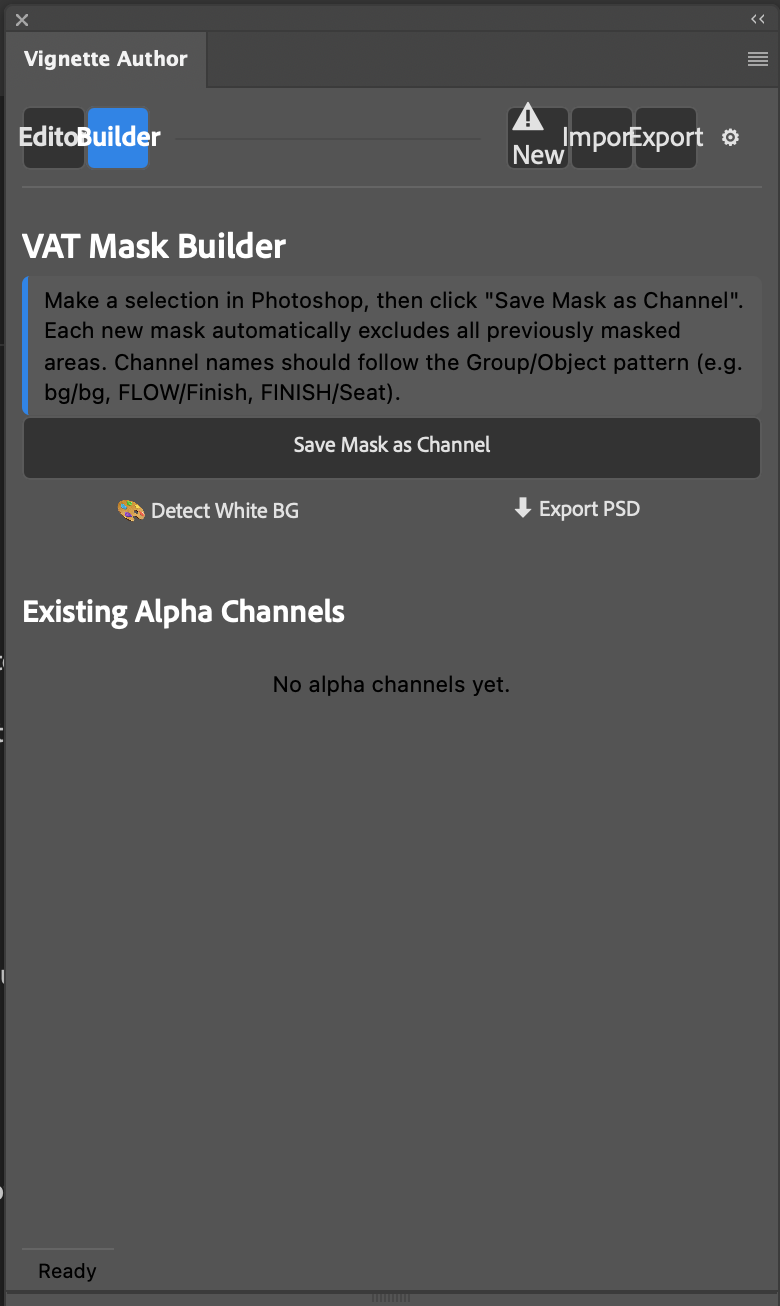
Photoshop plug-in AEM Dynamic Media Scene7 vignettes Hierarchical alpha channels
IN One flat product image
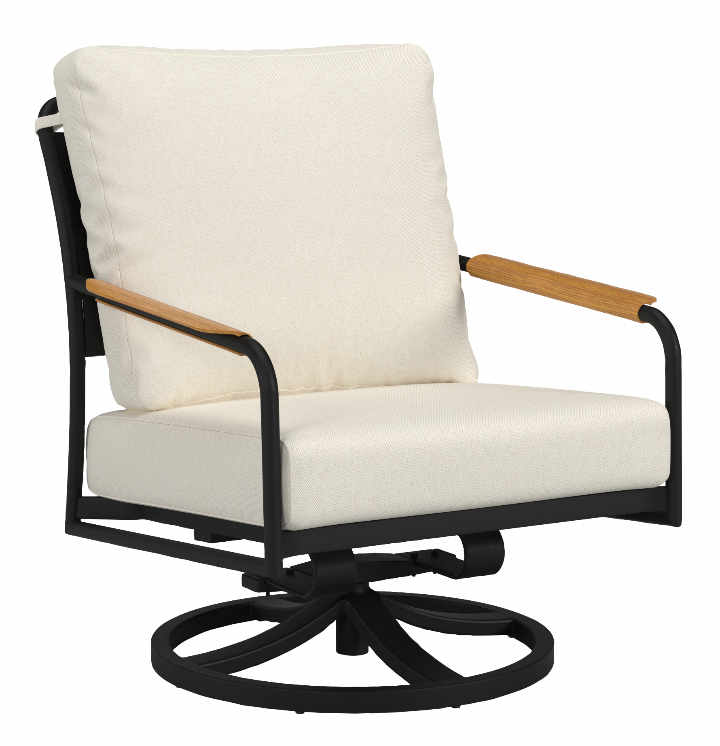
Swivel lounge chair on white, before masking
Vignette Author panel in Photoshop, VAT Mask Builder tab
  1. 01 Open the product imageA flat SKU shot or render on white.
  2. 02 Detect white BGOne click builds the background channel.
  3. 03 Select a part, save as channelNamed Group/Object — FRAME/Frame, FINISH/Back.
  4. 04 Auto-excludeEach new mask subtracts every mask saved before it.
  5. 05 Export PSDChannels in hierarchy order, ready for AEM Dynamic Media.
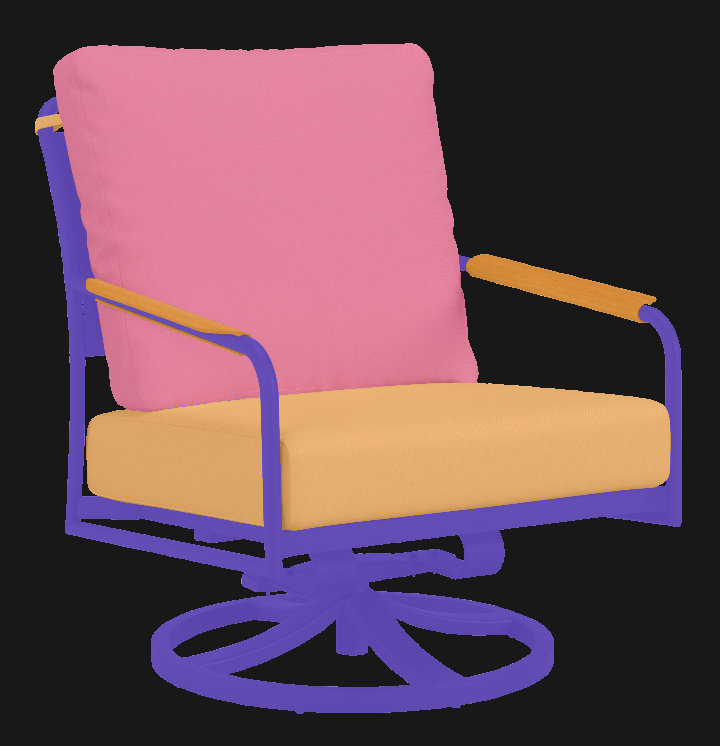
OUT Alpha channels, in order — each one excludes the ones above it
Chair with each alpha channel region tinted: frame violet, back cushion pink, seat and arm caps orange
Every pixel belongs to exactly one channel.

No overlaps, no gaps — which is what Dynamic Media needs to apply a fabric to the cushions without bleeding onto the frame.

PROJECT 03 · ComfyUI workflow

AI Material Swap

A generative model repaints the cushions from a real, scaled fabric sheet. Then the workflow throws away everything the model touched outside the mask and composites the result back onto the original photograph. The textile changes. The frame does not.
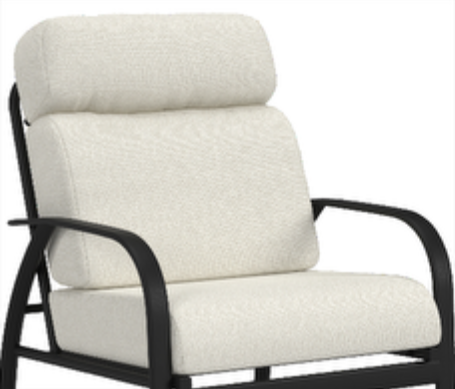
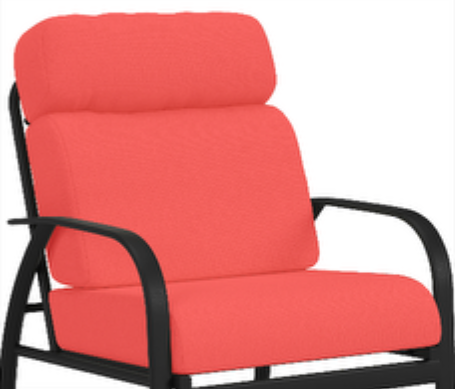
ComfyUI OpenAI GPT Image 2 Custom node: Physical Material Tile Image Composite Masked
01 IN Four inputs, all in the same 1536 × 1320 frame
Source chair photograph with cream cushions
ProductThe approved photograph.
Authorization guide: cushions marked in red
Authorization guideRed marks every surface that must change.
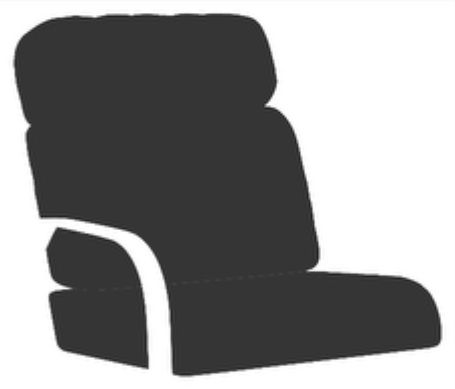
Cushion-only mask
MaskCushions only. Frame excluded.
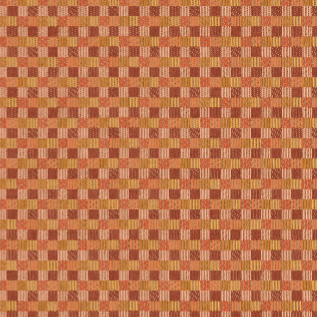
Fabric CFT 7242 tiled at true print scale
Material tileFabric tiled at real print size by a custom node.
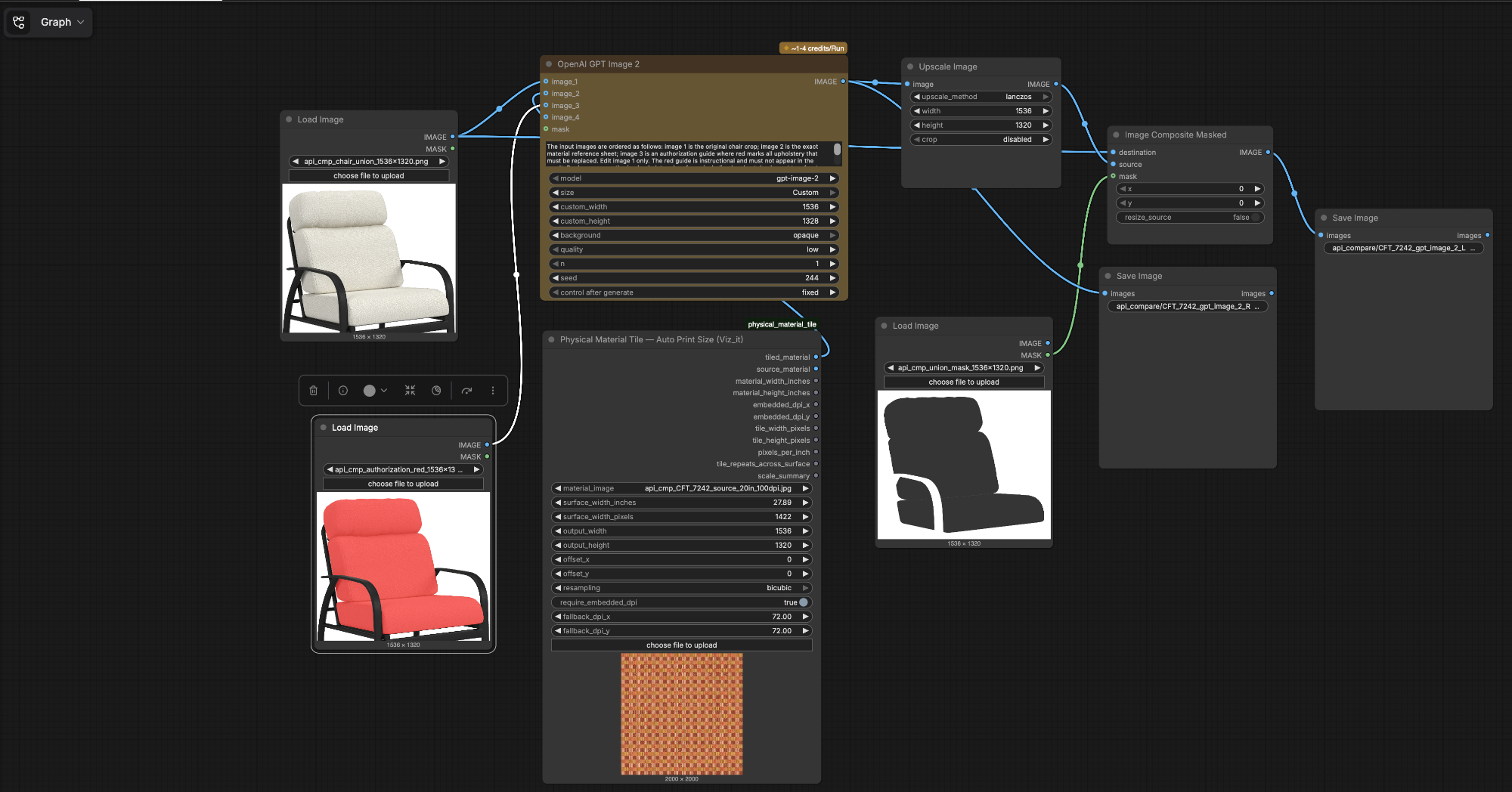
02 GRAPH The workflow in ComfyUI
ComfyUI graph: Load Image nodes, OpenAI GPT Image 2, Physical Material Tile, Upscale Image, Image Composite Masked, Save Image
  1. 01 Physical Material TileTiles the fabric at true print scale for the surface width.
  2. 02 GPT Image 2Edits image 1 using the material sheet and red guide. Fixed seed.
  3. 03 Upscale ImageLanczos back to the exact 1536 × 1320 source frame.
  4. 04 Composite MaskedFabric in through the mask. Every other pixel is the original.
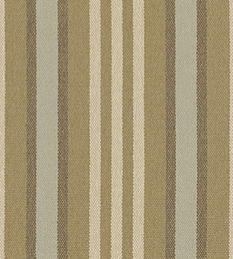
03 OUT Same workflow, a striped outdoor textile
Striped textile to match
TEXTILE · the stripe to match
Raw model edit before compositing
RAW EDIT · before the lock
0max difference outside the mask
1,337,117 pixels unchanged, measured on the source PNGs
CHANGES
The cushion textile.
STAYS
Frame, camera, crop, white ground.
Final chair with striped cushions composited onto the original frame
AFTER Locked frame
About Viz-It

Furniture imagery that stays true to the product.

Viz-It is an imaging studio in High Point, NC, founded in 2001 by Scott G. Davis. We produce catalog, eCommerce and configurator imagery for home furnishings — photography, retouching, Scene7 vignettes, 3D and AI-assisted production — and every file is checked against the real product before it ships.

WHO WE WORK WITH

Furniture brands with big catalogs.

Fabric-repeat and vignette production, catalog, eCommerce and lifestyle imagery for furniture, window, bath and wallcovering brands.

HOW WE WORK

One lead, a bench when needed.

Remote and in studio. A single lead owns the pipeline and the quality bar, with vetted freelance specialists brought in for volume — all working to written masks, checks and handoff specs.

WHERE WE COME FROM

Built on production, not demos.

Twenty-five years of catalog and configurator imaging, and a hand in one of the first fabric-to-frame Photoshop plug-ins for online product configurators.

SELECTED CLIENTS
PhotoshopLightroomScene7 / AEM Dynamic Media3ds MaxV-RayModoComfyUIQwen
25 years of Image Re-Purposing
Commercial product imaging since 2001.
Home Fashion
Workflows for Catalog and Configurator Imagery
Material Capture
Flat Lit Photography and Scanning for use with Online Configurators
Use of AI as a Production Tool
ComfyUI workflows to improve quality and batch processing of images.
Off the clock

Same eye, faster subjects.

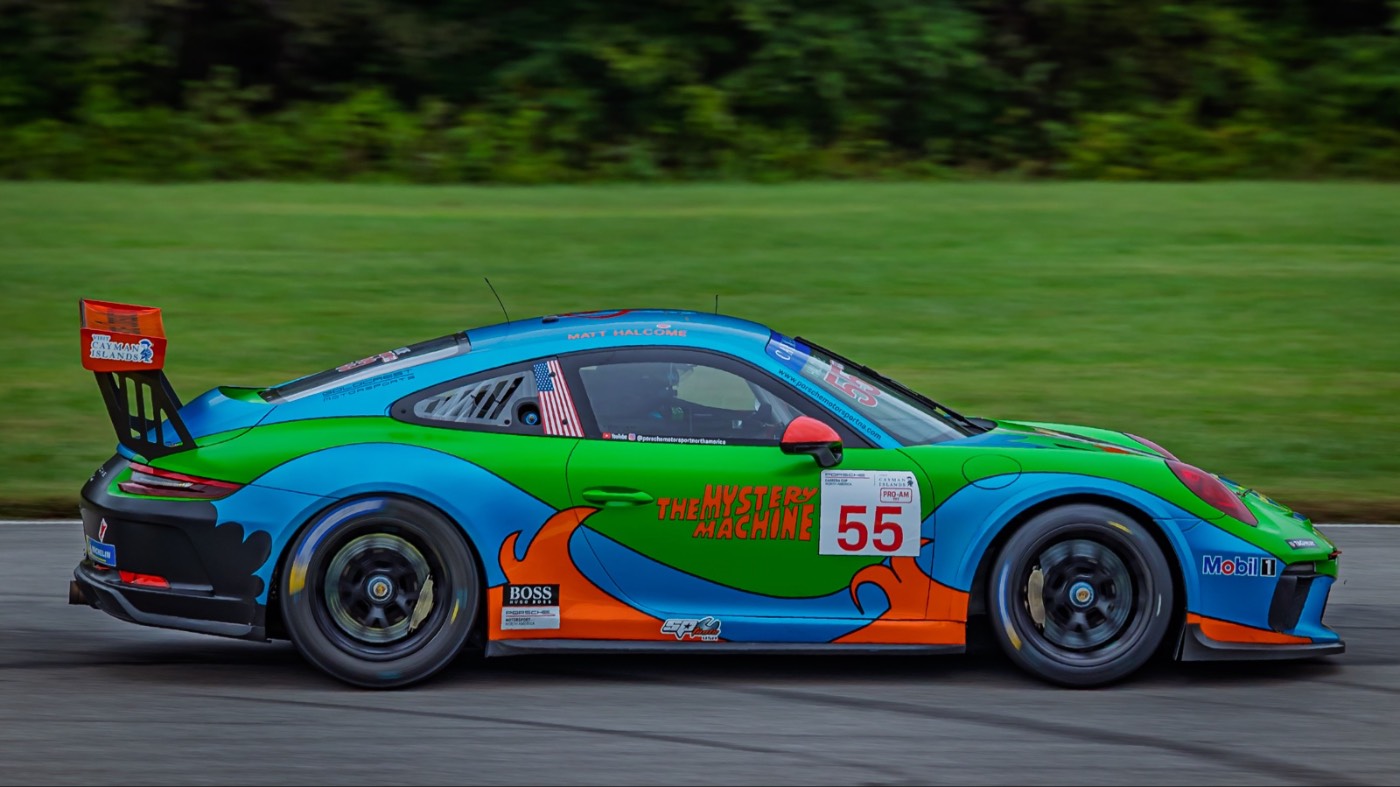
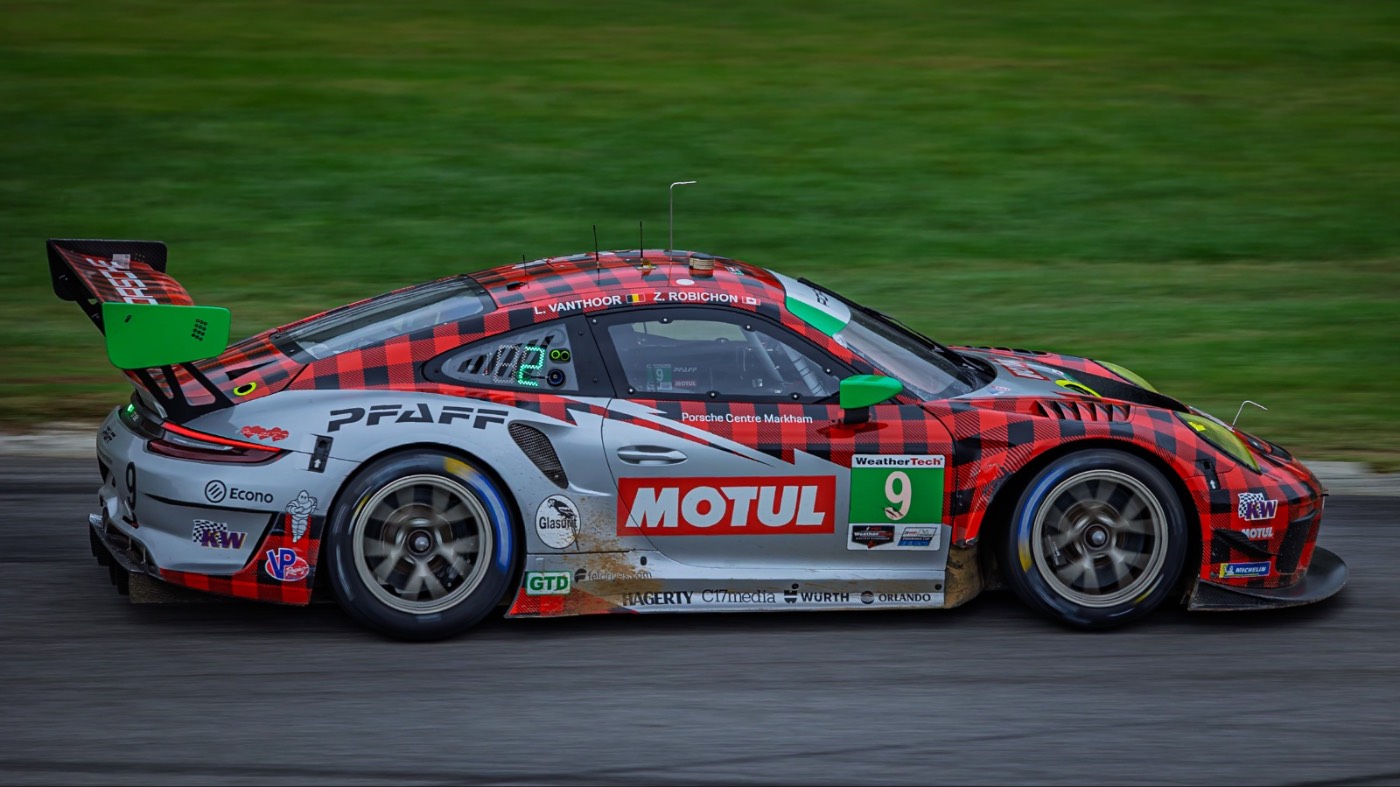
Motorsports — shot for the practice of timing, light and composition.
Interiors at archicaptures.com →
Porsche 911 GT3 R, IMSA GTD at VIR, panning shot
01 · Motorsports
Ligier LMP3 prototype through a VIR corner
02 · Motorsports
Porsche Carrera Cup 911 "Mystery Machine" livery, panning shot
03 · Motorsports

Need help with a project?

Tell me what you need. I’ll be glad to help.

Freelance, Contract or Retainer.

Capture Build Generate